
SketchUp
Create the early design, massing or concept model.
SketchUp helps you create and communicate design models quickly. Pelicad turns those models into controlled architectural visuals with real context, multiple perspectives and atmospheric presentation quality.
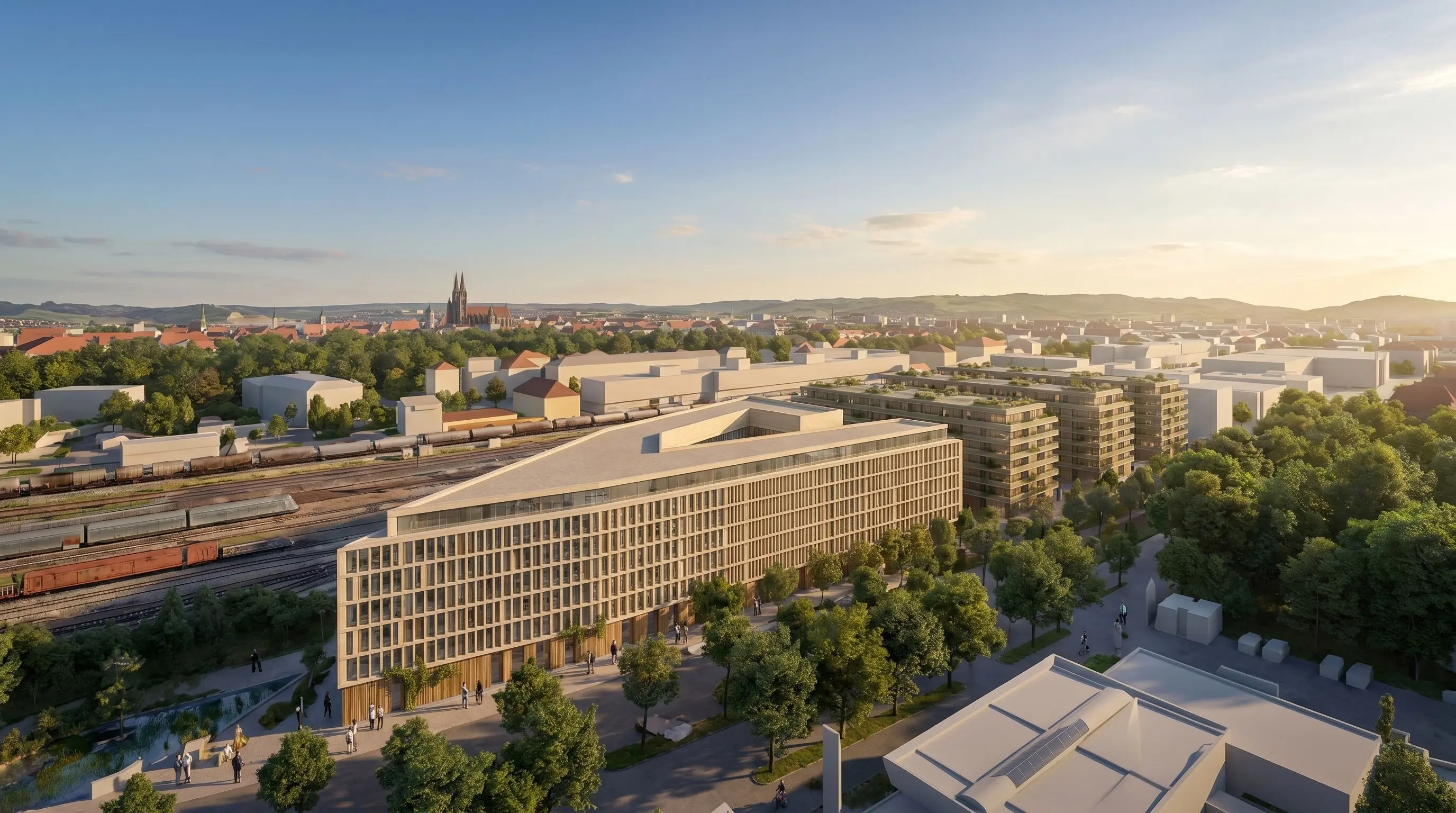
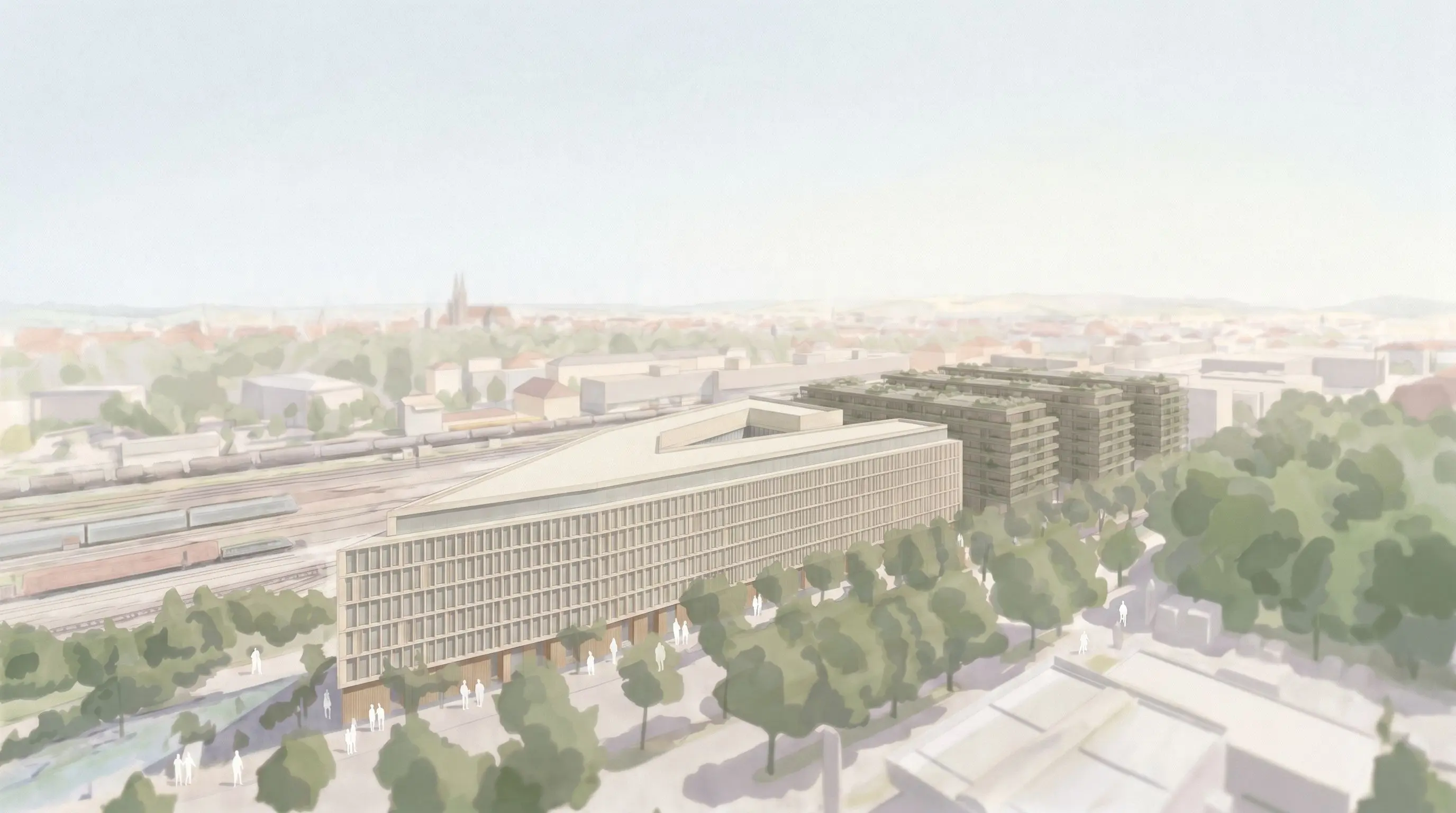
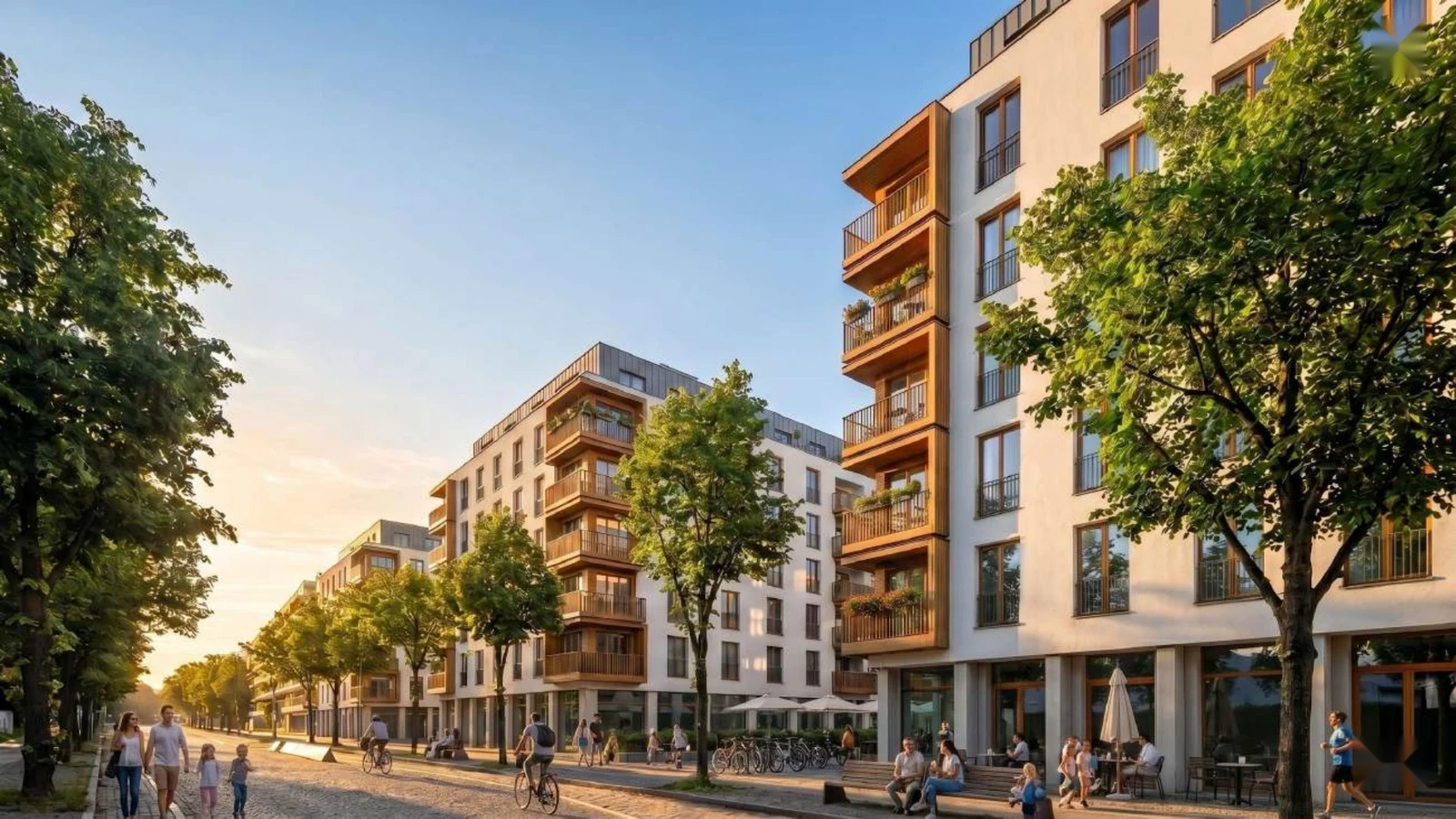
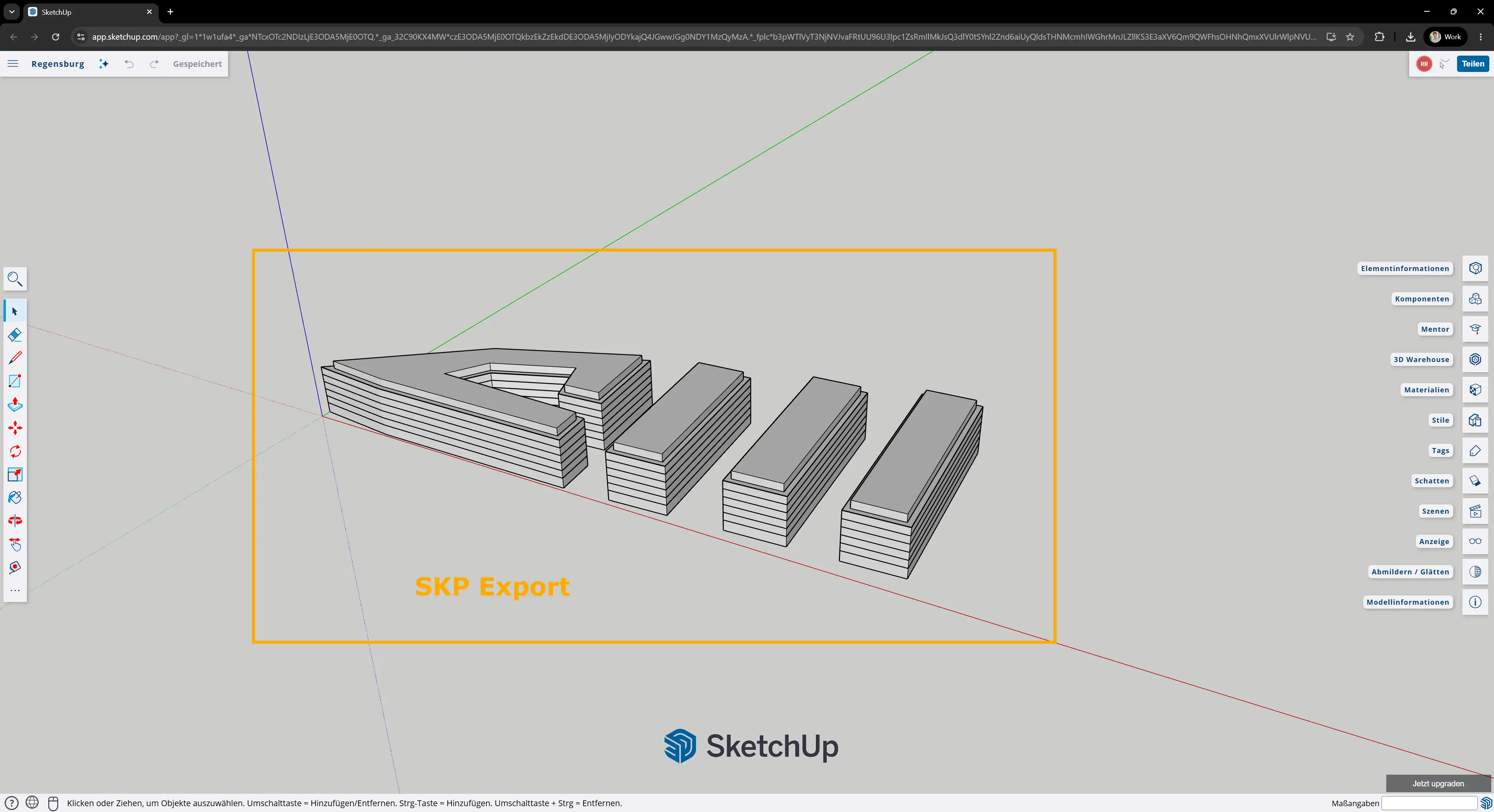
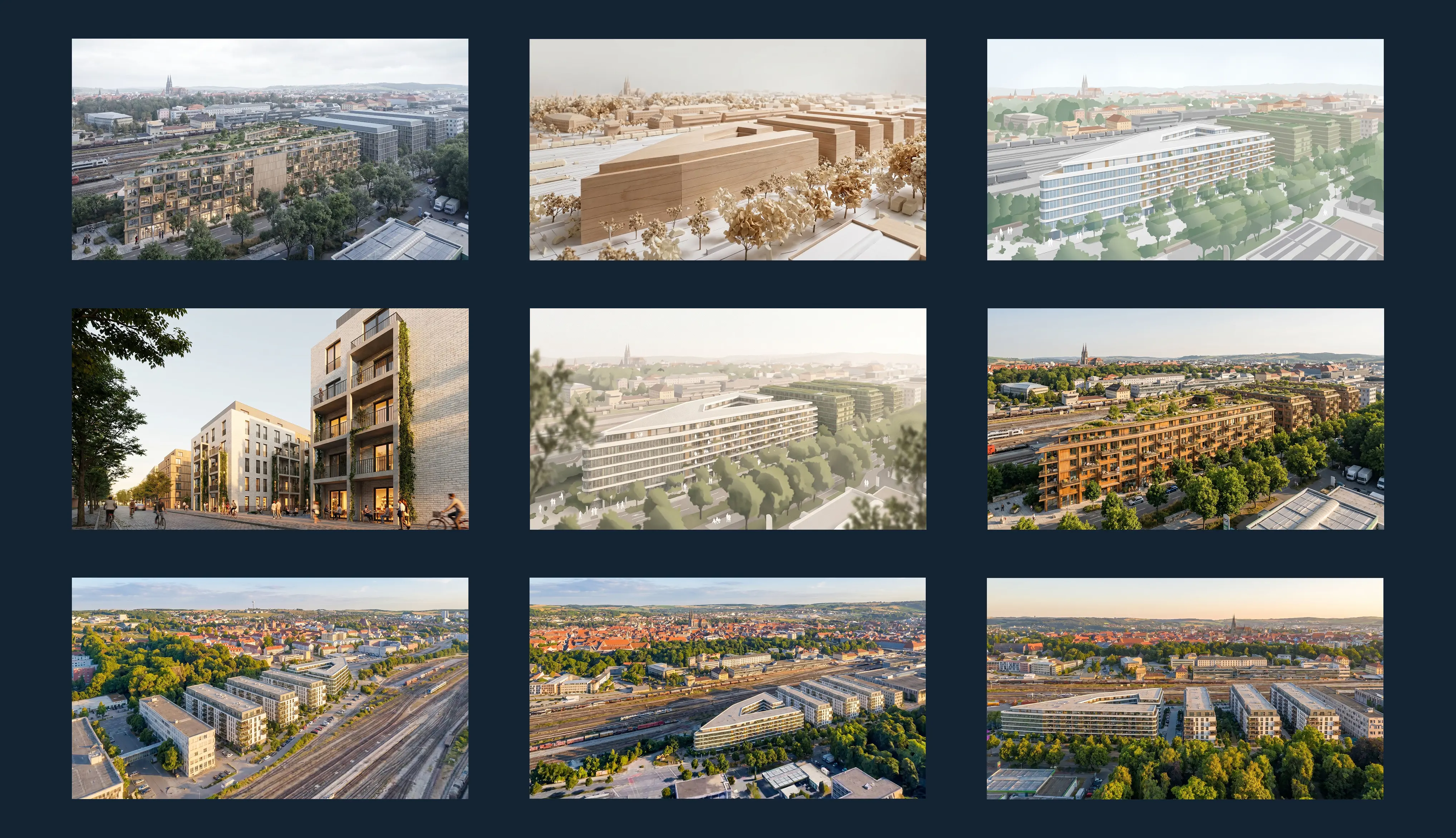
Early architectural models often need to convince before a full rendering workflow makes sense.
For architects, a SketchUp model can define the design direction, massing and spatial idea very early. For project developers, it can make planning options easier to compare before expensive detailing begins.
The problem is that an isolated model view is not always enough. Clients, investors, municipalities and internal teams need to understand what the design could become in its real context.
This workflow is built for architectural and real estate projects where a SketchUp model already defines the planning base, but the visual communication still takes too long.
Use SketchUp to create the design model. Use Pelicad to turn it into controlled visual communication with context, atmosphere and multiple perspectives.
Create the early design, massing or concept model.
Define the planning base, model geometry and key design direction.
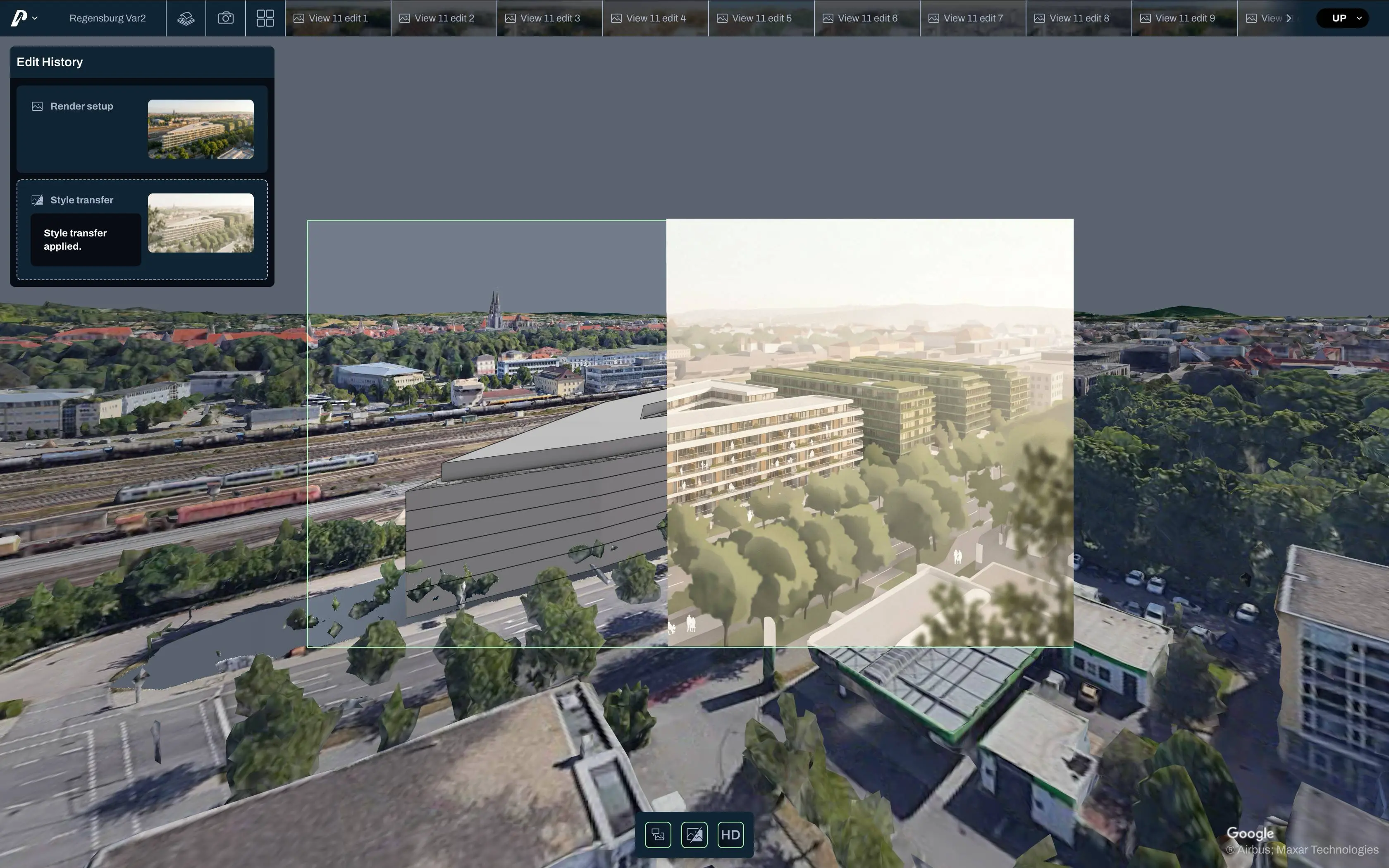
Bring the SketchUp model into a textured 3D environment and keep the geometry controlled.
Generate visual scenarios, perspectives, facade directions and presentation-ready images.
Turn SketchUp concept models into stronger presentation material.
Use Pelicad when your SketchUp model already explains the design, but you need contextual visuals faster than a traditional rendering workflow allows. Create atmospheric views, facade directions and presentation images while keeping the model as the controlled base.
Make SketchUp-based planning options easier to evaluate.
Use Pelicad to turn SketchUp massing or concept models into visual scenarios with real surroundings, multiple perspectives and a clearer story for internal decisions, investors and stakeholders.
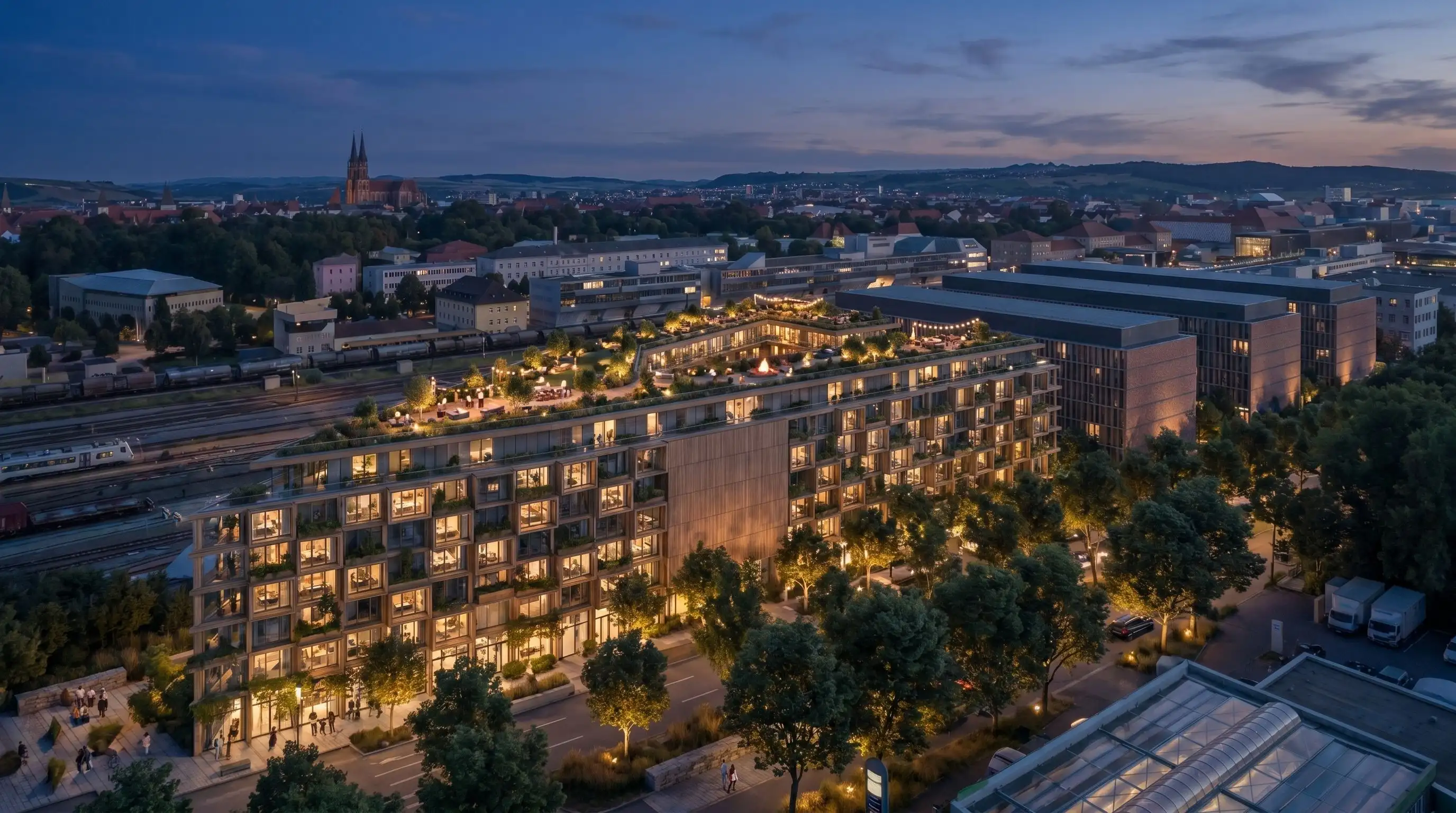
The goal was to develop and communicate planning variants for a mixed-use project with housing, social housing, commercial use and local retail under high time pressure.
SketchUp supported the early design model and planning base. Pelicad turned the model into controlled visuals in context, making the scenario easier to present, compare and discuss.
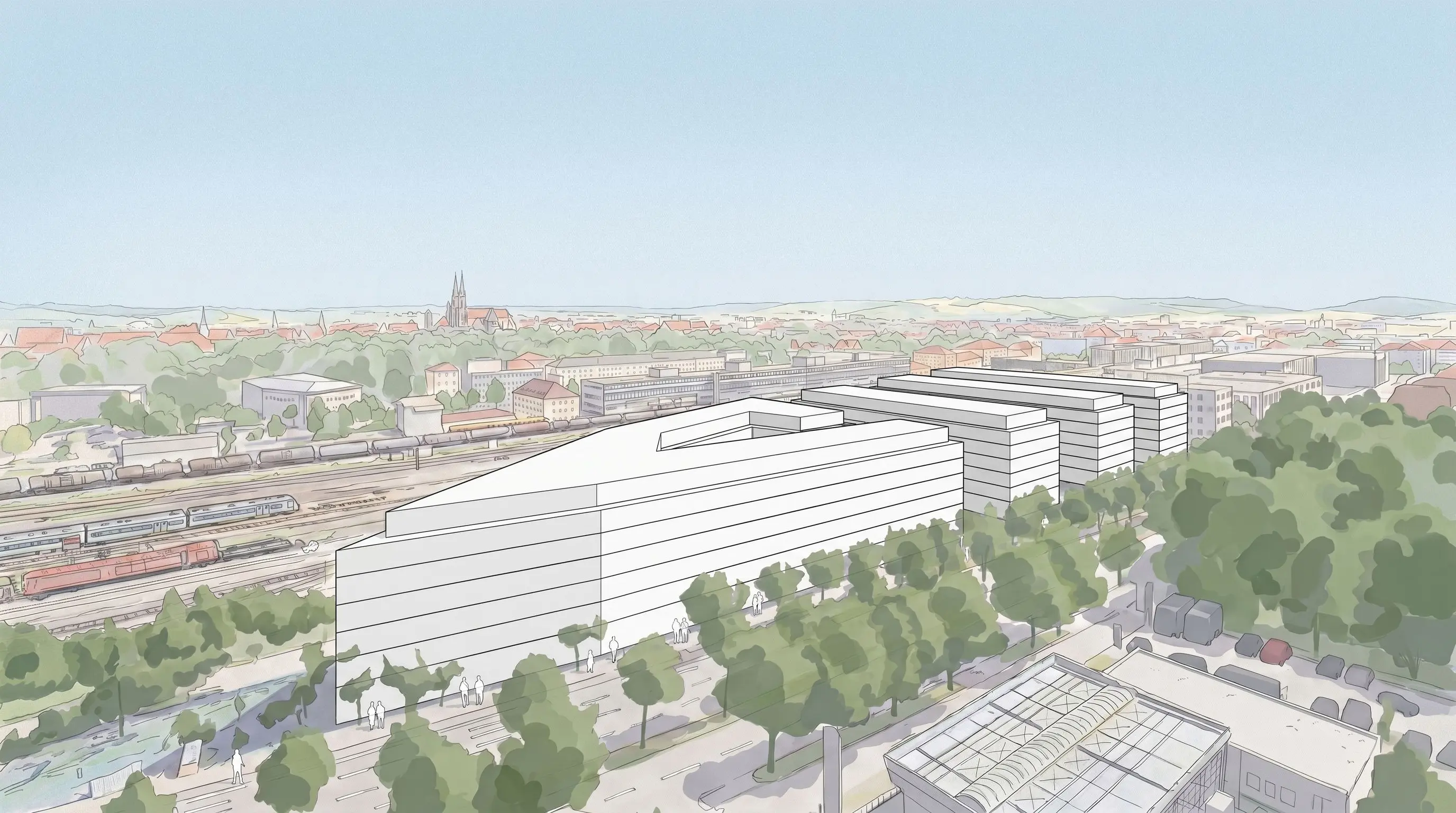
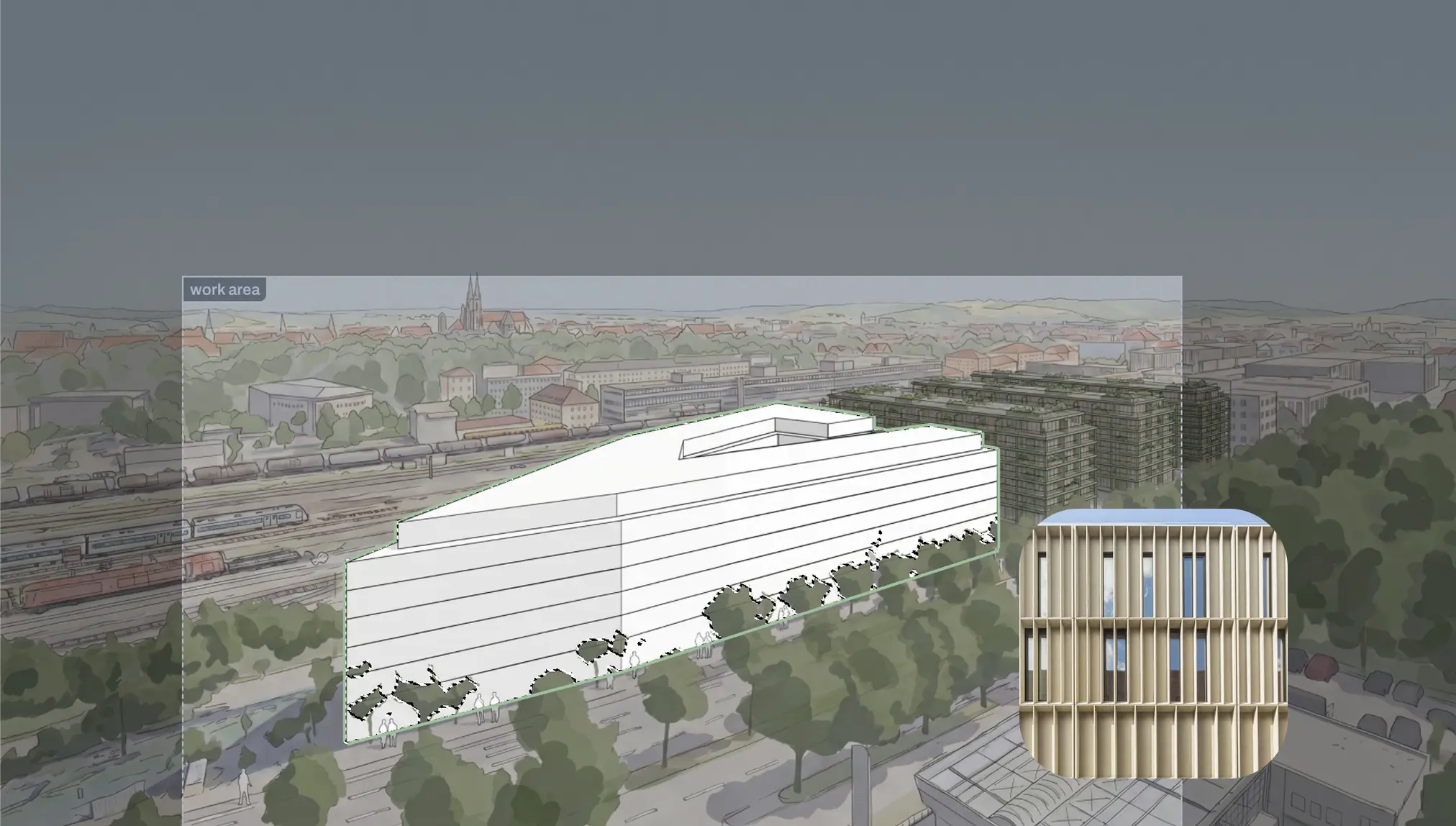
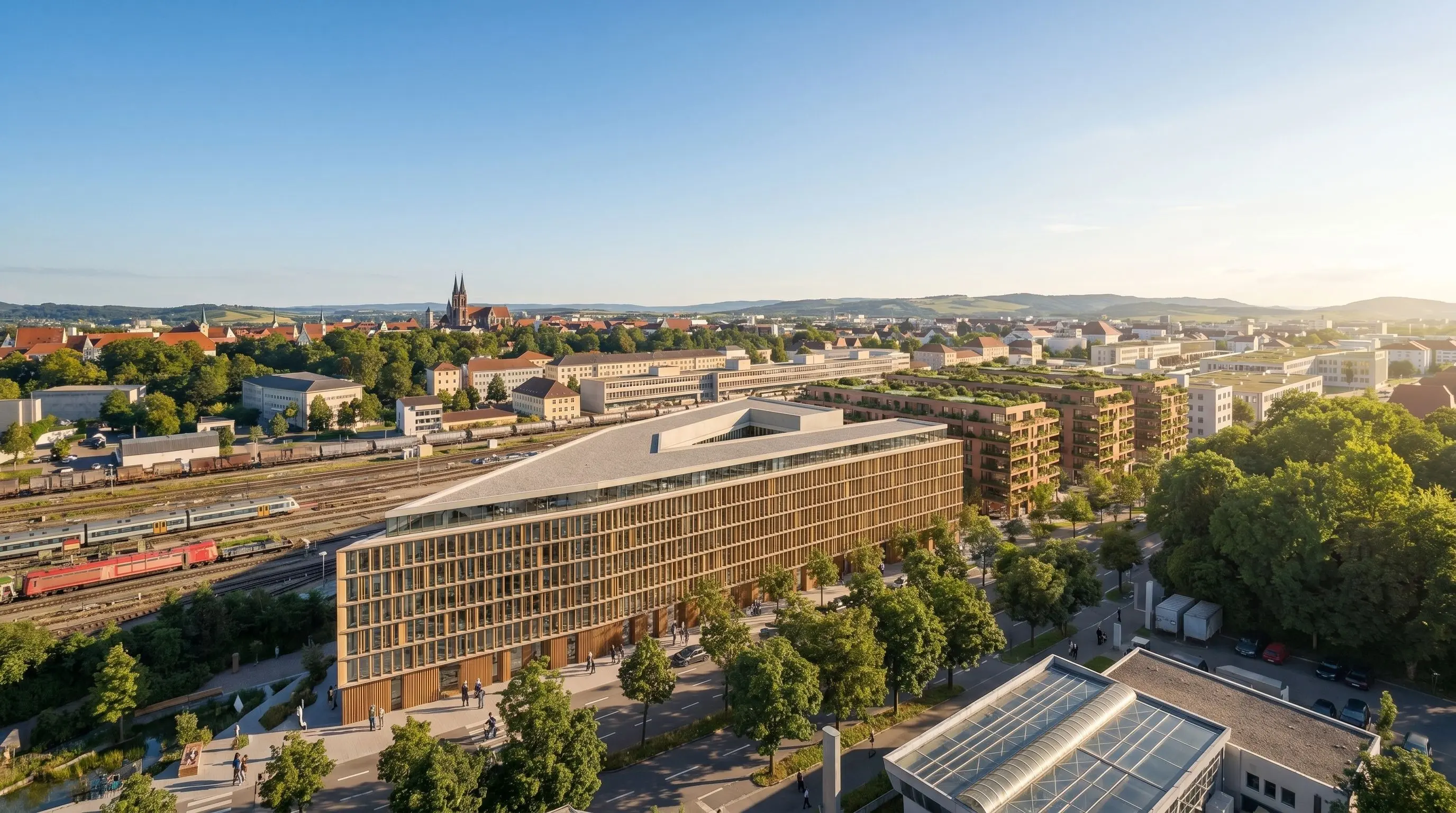
SketchUp is strong for modelling and design communication. Pelicad adds the visual layer when the model needs to become contextual, atmospheric and easier to decide on.
Place the SketchUp model in a textured 3D environment instead of showing it as an isolated model.
Create several views from the same controlled planning base.
Adjust facade directions, materials, atmosphere, surroundings and presentation details without rebuilding the model.
SketchUp and its rendering ecosystem are strong when you want to model, document and present a design. But early project communication often changes quickly: the facade direction changes, the atmosphere changes, the audience changes and several perspectives are needed from the same base.
Generic AI can create impressive images, but it often breaks the geometry, context or planning logic. Traditional rendering gives control, but can take time to set up and update.
Pelicad adds a dedicated AI visualization layer on top of your SketchUp model. The geometry stays controlled, the context is real and the images can be edited in detail without restarting the visual workflow.
Use the SketchUp model from your architectural workflow.
Place it in a textured 3D environment for site-specific communication.
Test facade directions, materials, atmosphere, use scenarios and multiple perspectives.
Keep visual communication aligned when the model or design direction changes.
Turn SketchUp design models into contextual project visuals, from early massing and facade studies to atmospheric perspectives for decisions, acquisition and presentations.
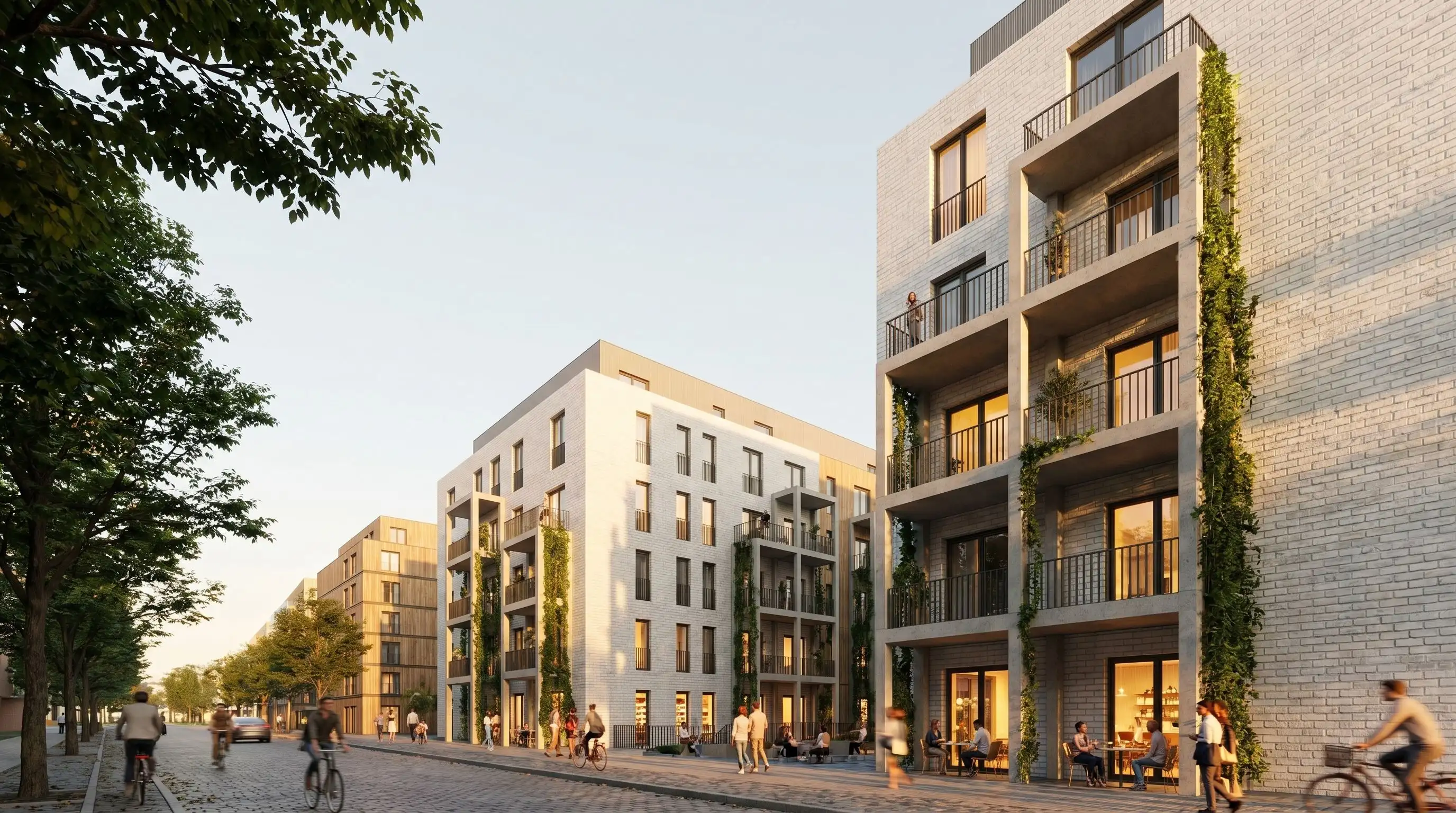
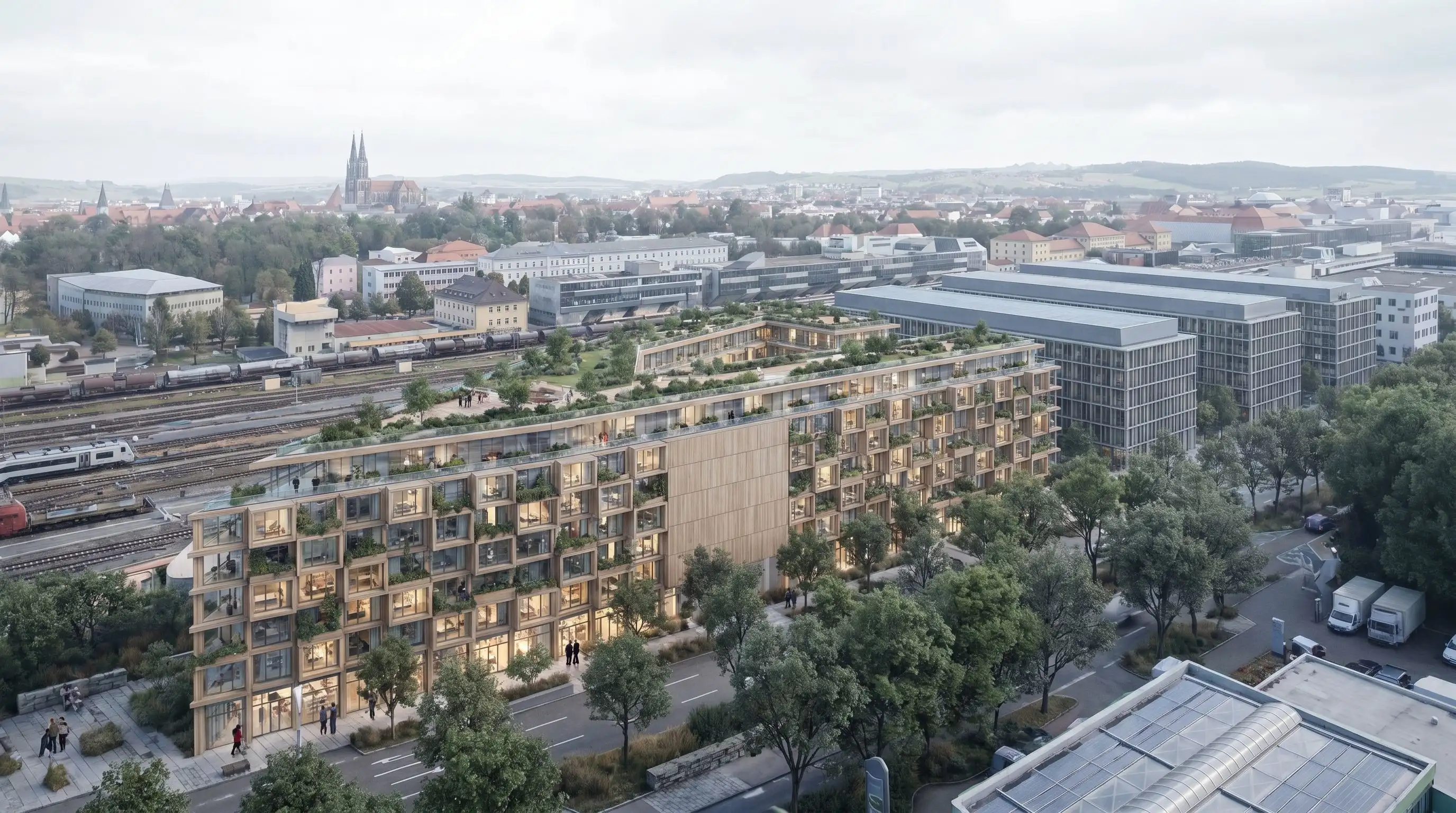
Bring a current SketchUp model into Pelicad, add the real context and create controlled architectural visuals your audience can decide on.
Visualize your SketchUp model