
syte
Find and evaluate properties, buildings or portfolio assets with development potential.
syte helps you find, evaluate and calculate property potential in the early phase. Pelicad adds the dedicated visualization workflow: textured 3D context, detailed image editing, quick variant updates and presentation-ready architectural visuals.
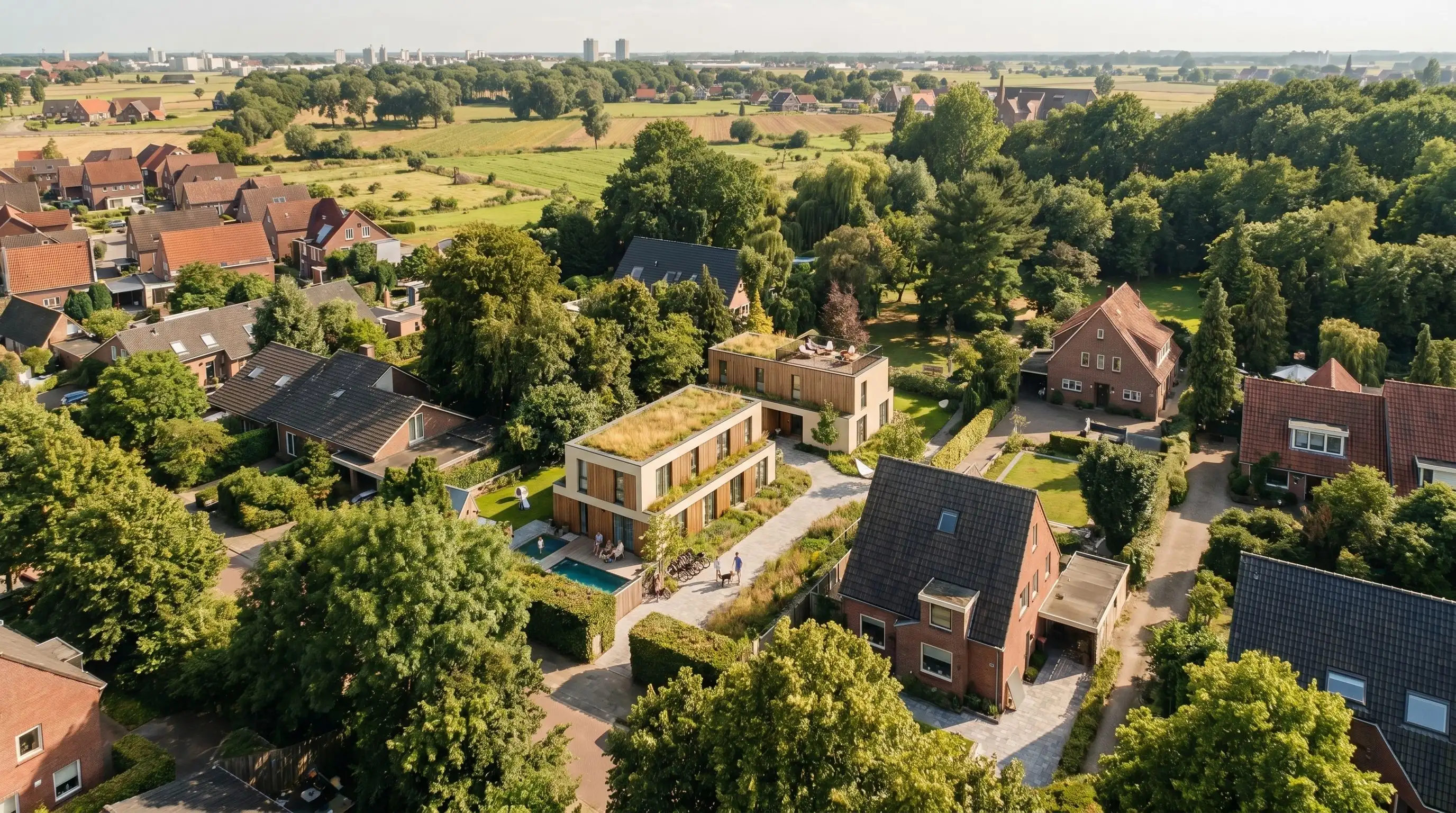
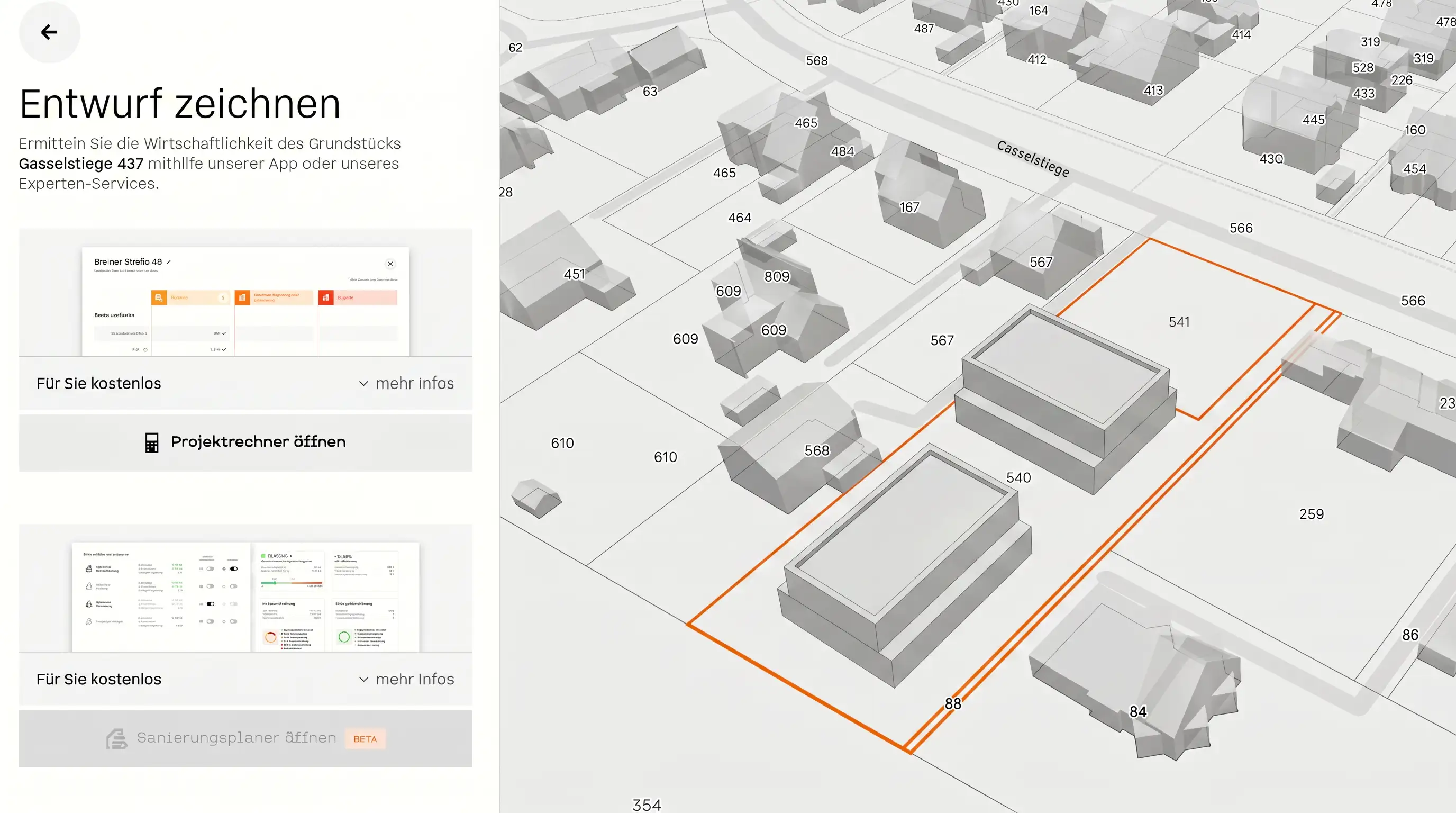
syte is strong for finding, evaluating and calculating property potential. It also offers 3D concept sketching and AI visualizations. But if your main goal is visual communication, Pelicad gives you a dedicated layer for faster iterations, stronger control and more detailed architectural image editing.
Bring a syte scenario into Pelicad in minutes, update new variants quickly and create controlled visuals in a textured 3D environment.
Move from syte to Pelicad in minutes and keep new syte variants easy to update.
Work in a textured 3D environment and control the visual result beyond a single AI image.
Use Pelicad as the specialized visualization layer instead of upgrading your syte setup mainly for visual output.
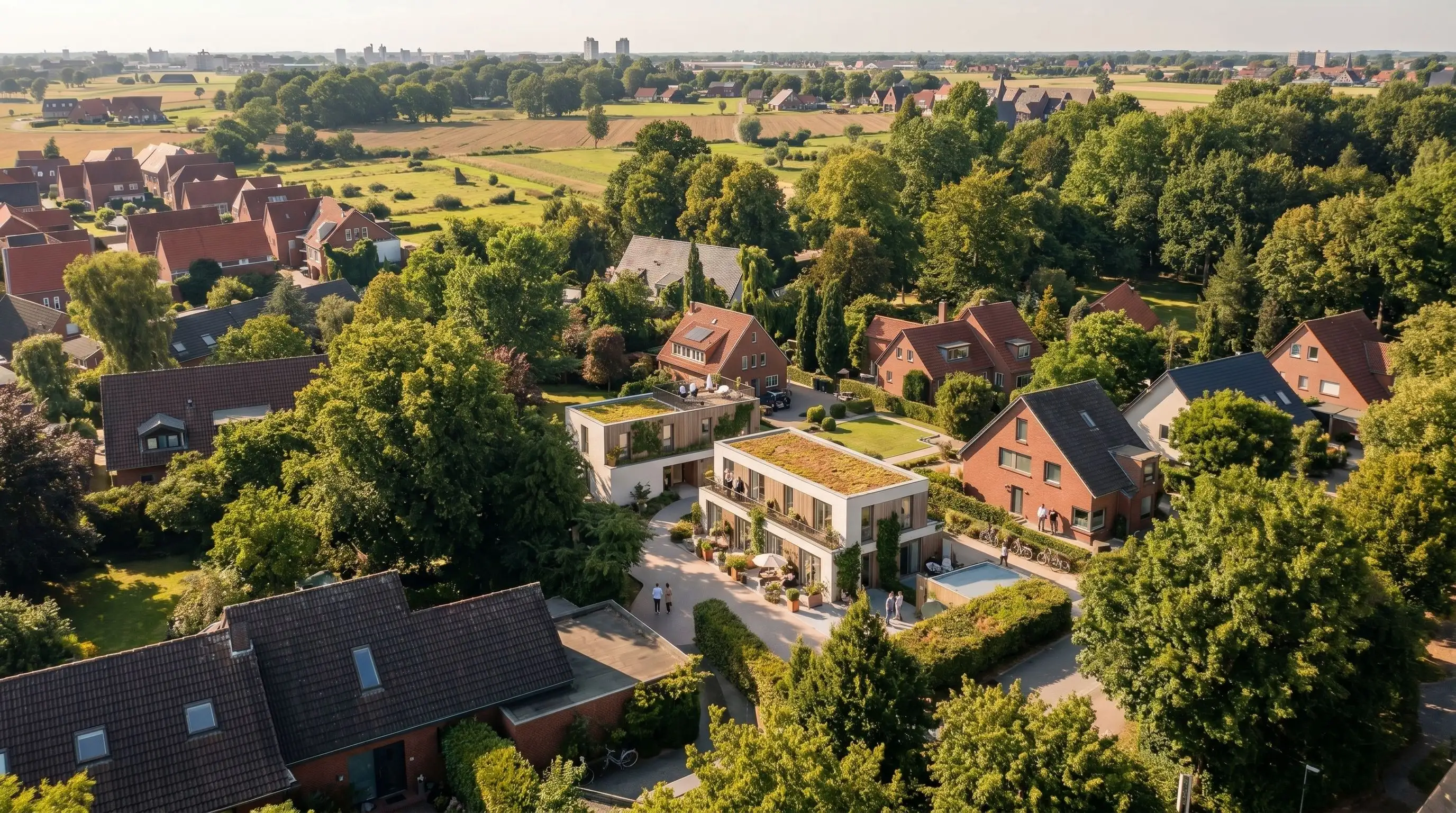
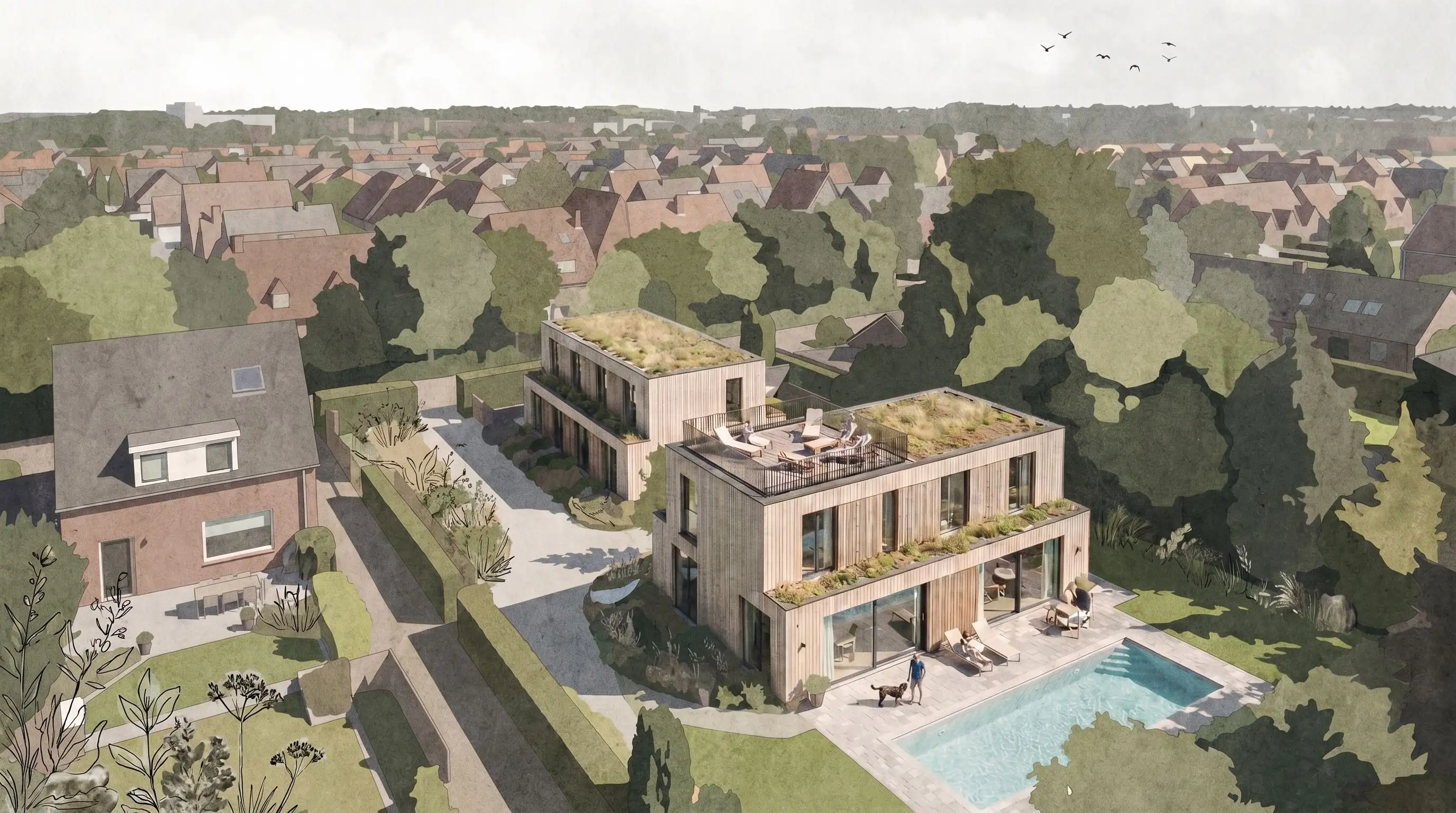
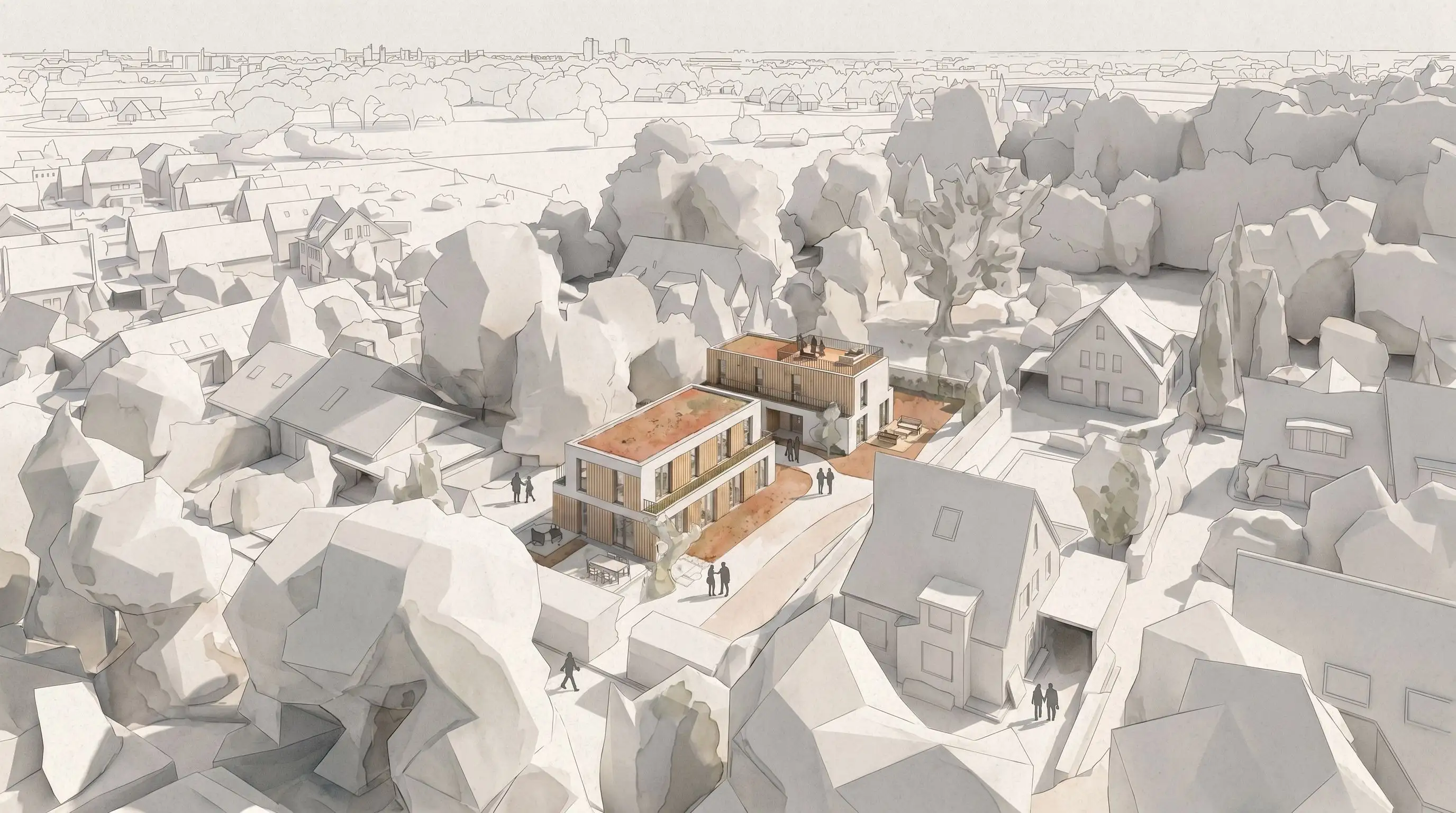
In acquisition, the decisive moment often comes before detailed planning starts.
syte helps teams identify and evaluate potential using property, market, building and economic data. Pelicad adds the architectural communication layer: contextual visuals that show what the potential could become.
The problem is not only finding the right property. The problem is making the opportunity understandable to investors, banks, municipalities, clients and internal teams.
That is the gap Pelicad closes.
Use syte to identify, evaluate and compare property potential. Use Pelicad when the scenario needs to become controllable visual communication.
Find and evaluate properties, buildings or portfolio assets with development potential.
Create and compare early scenarios for buildability, potential and economic viability.
Bring the selected syte scenario into Pelicad in minutes and place it in a textured 3D environment.
Generate architectural visuals, update new variants quickly and refine details for presentation-ready communication.
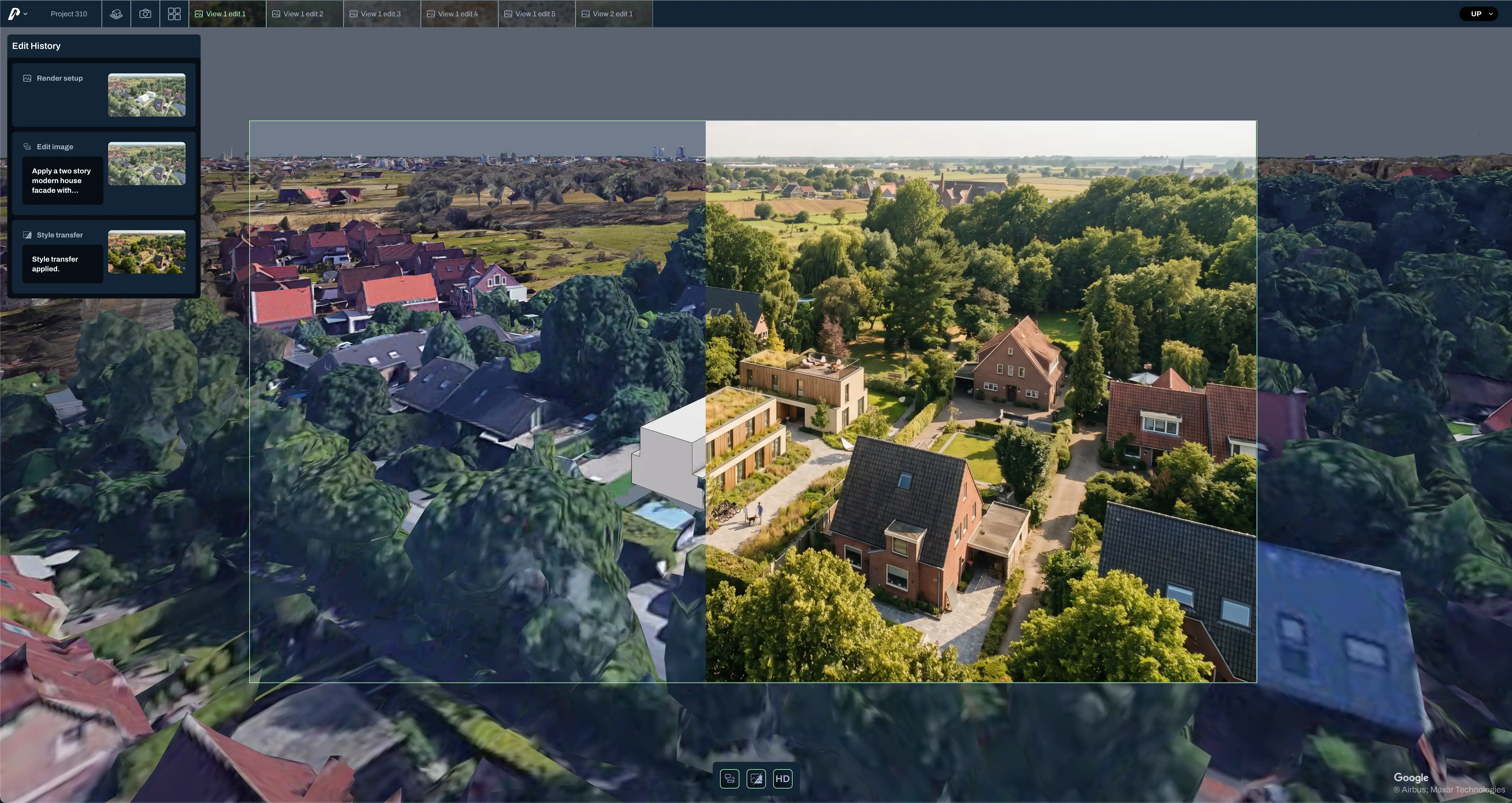
Turn property potential into convincing acquisition material.
Use Pelicad to turn syte scenarios into contextual visuals earlier, with real surroundings, multiple perspectives and a clearer story for investors, banks, municipalities and internal decision-makers.
Make early potential easier to discuss and update.
syte helps structure the first assessment of a property or building. Pelicad adds controlled architectural visuals that can be updated quickly when the scenario changes.
The goal was to turn an early property and development scenario into visual material that could be used for acquisition, stakeholder alignment and internal decision-making.
syte supported the early property and potential logic. Pelicad turned the selected scenario into controlled architectural visuals in context, making the opportunity easier to present and discuss before detailed planning started.
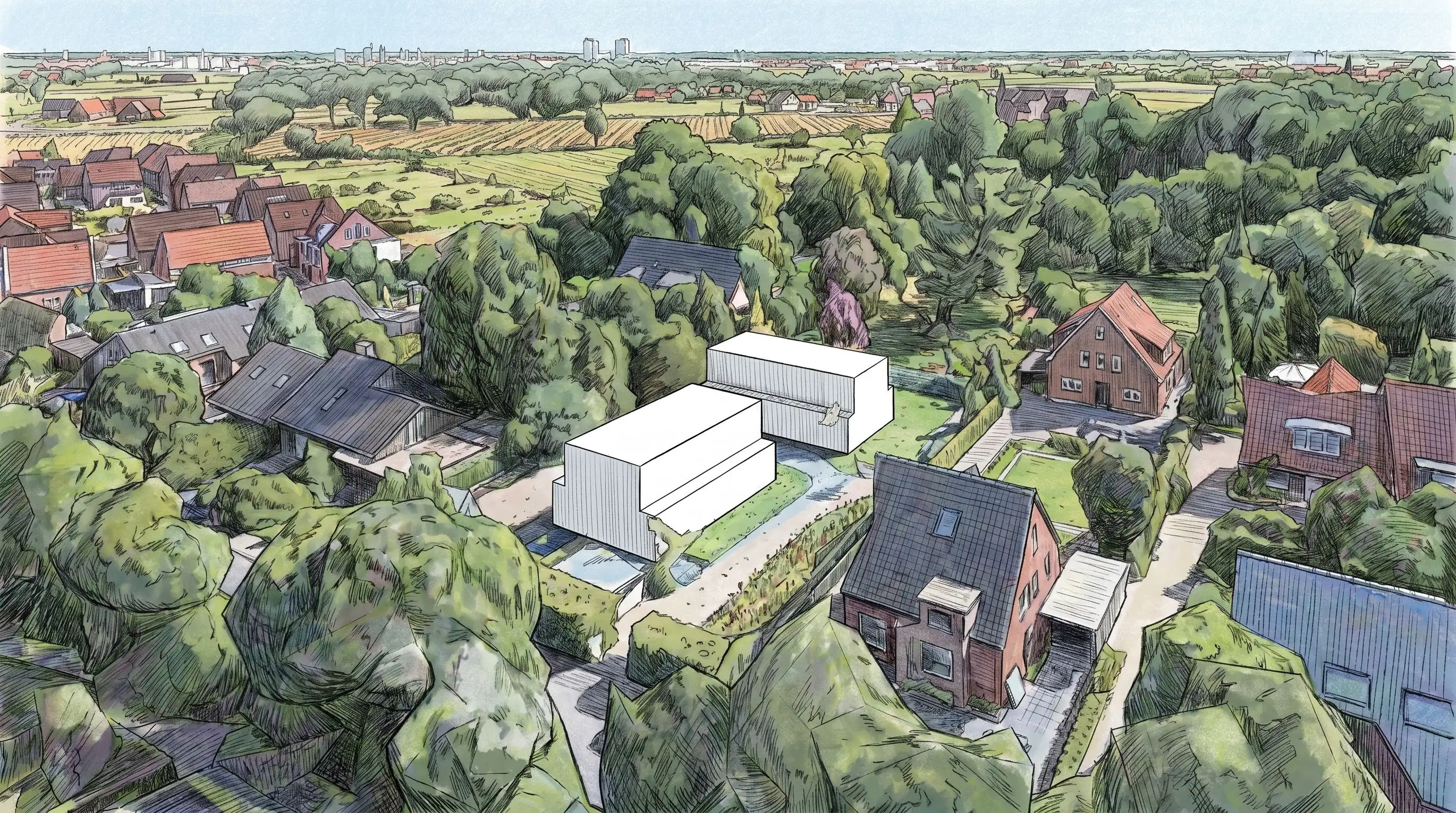
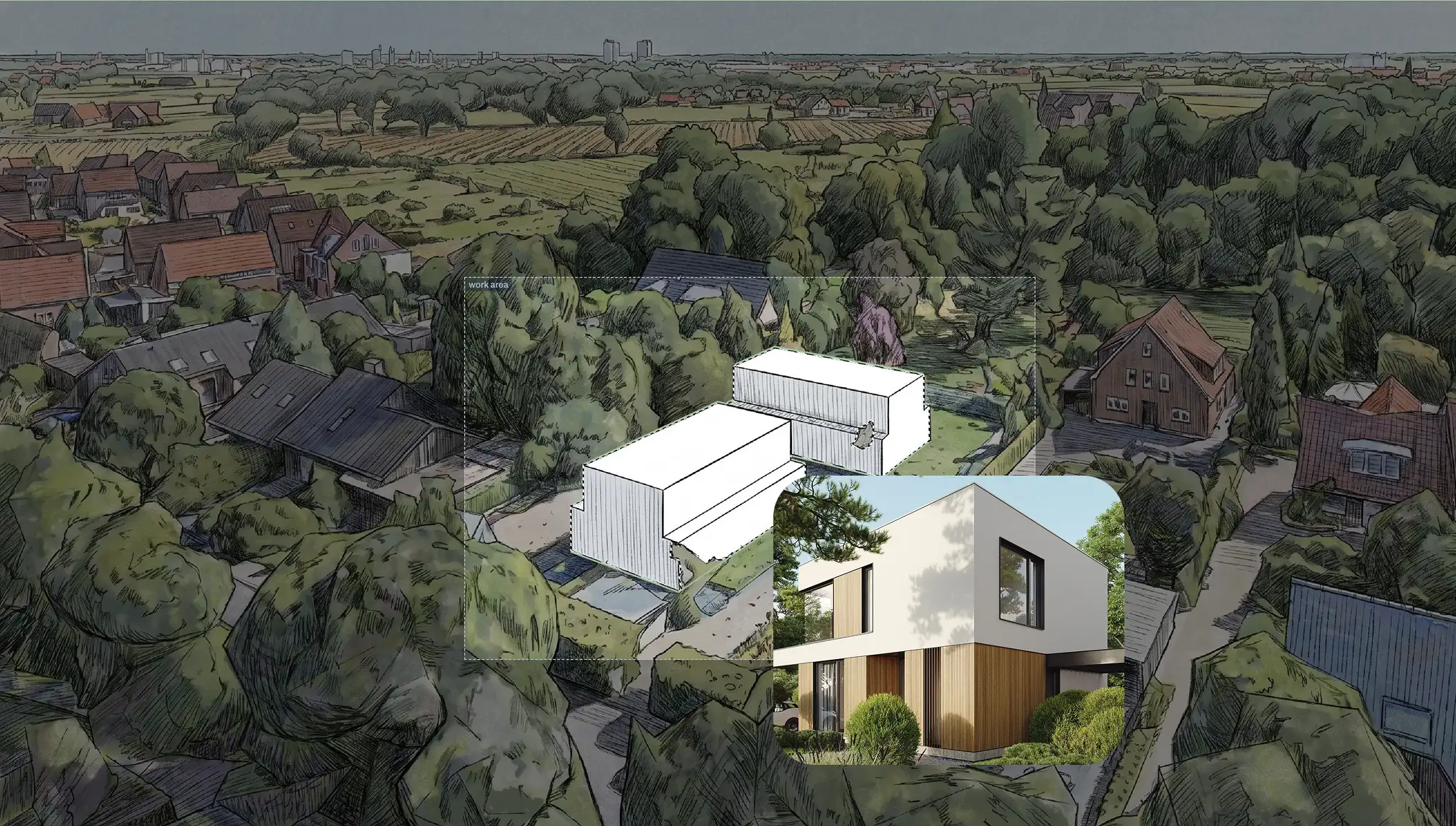
syte already helps you analyze potential, sketch concepts and create AI visualizations. That is useful for a first impression.
But acquisition and stakeholder communication often need more: several perspectives from the same planning state, real urban context, detailed image edits, facade directions, materiality, atmosphere and repeatable updates when the syte scenario changes.
Pelicad is built for that visual layer. It keeps the 3D scene, real context and AI output connected, so you can create and refine presentation-ready visuals with more control.
Use the selected potential or scenario from your syte workflow as the starting point.
Work in a textured 3D environment for site-specific communication.
Test facade directions, materials, atmosphere, use scenarios and multiple perspectives.
Refine images in detail and keep visual communication aligned when the syte scenario changes.
Turn property potential into contextual project visuals, from early analysis and scenario communication to architectural perspectives for decisions and presentations.
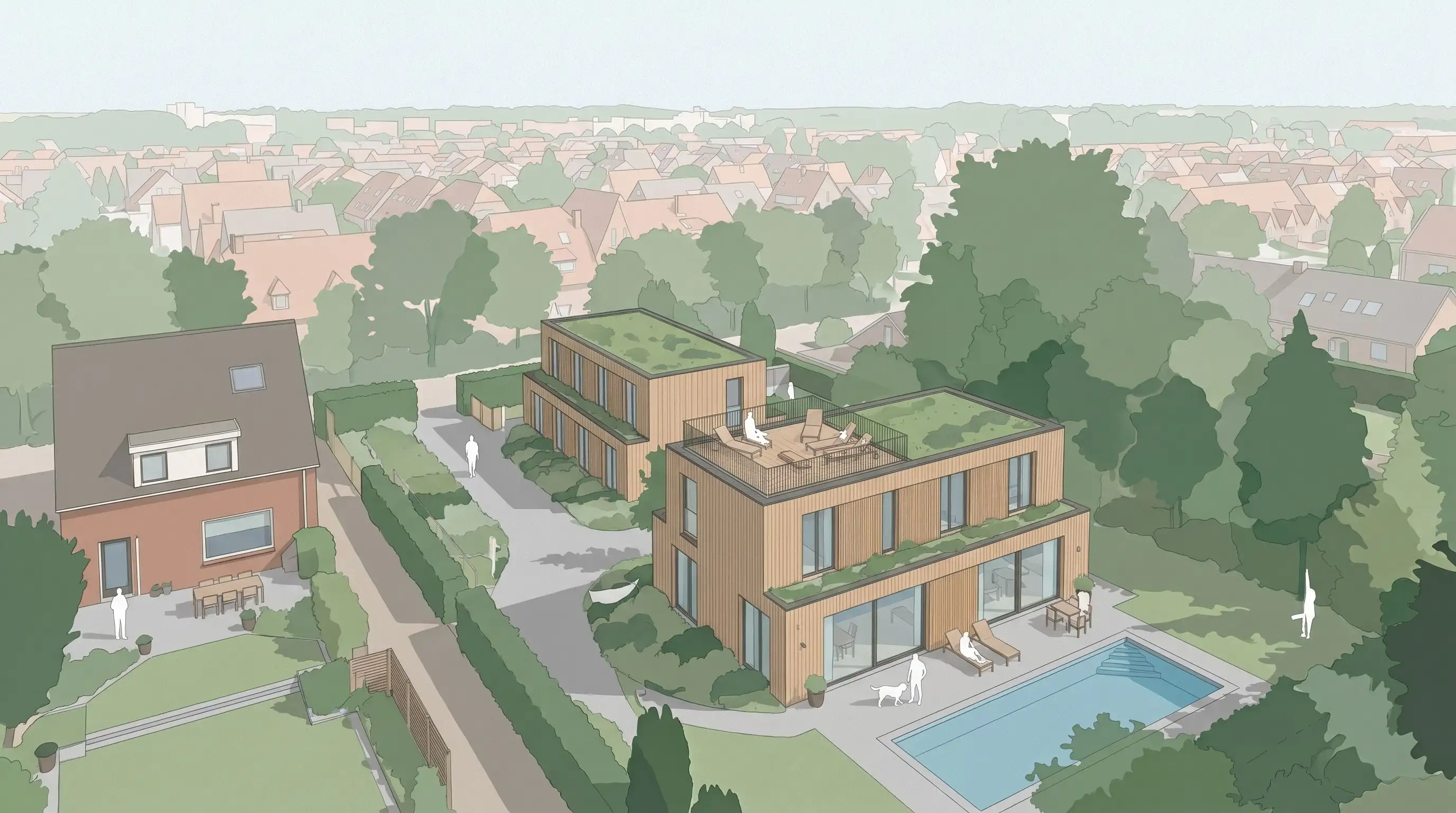
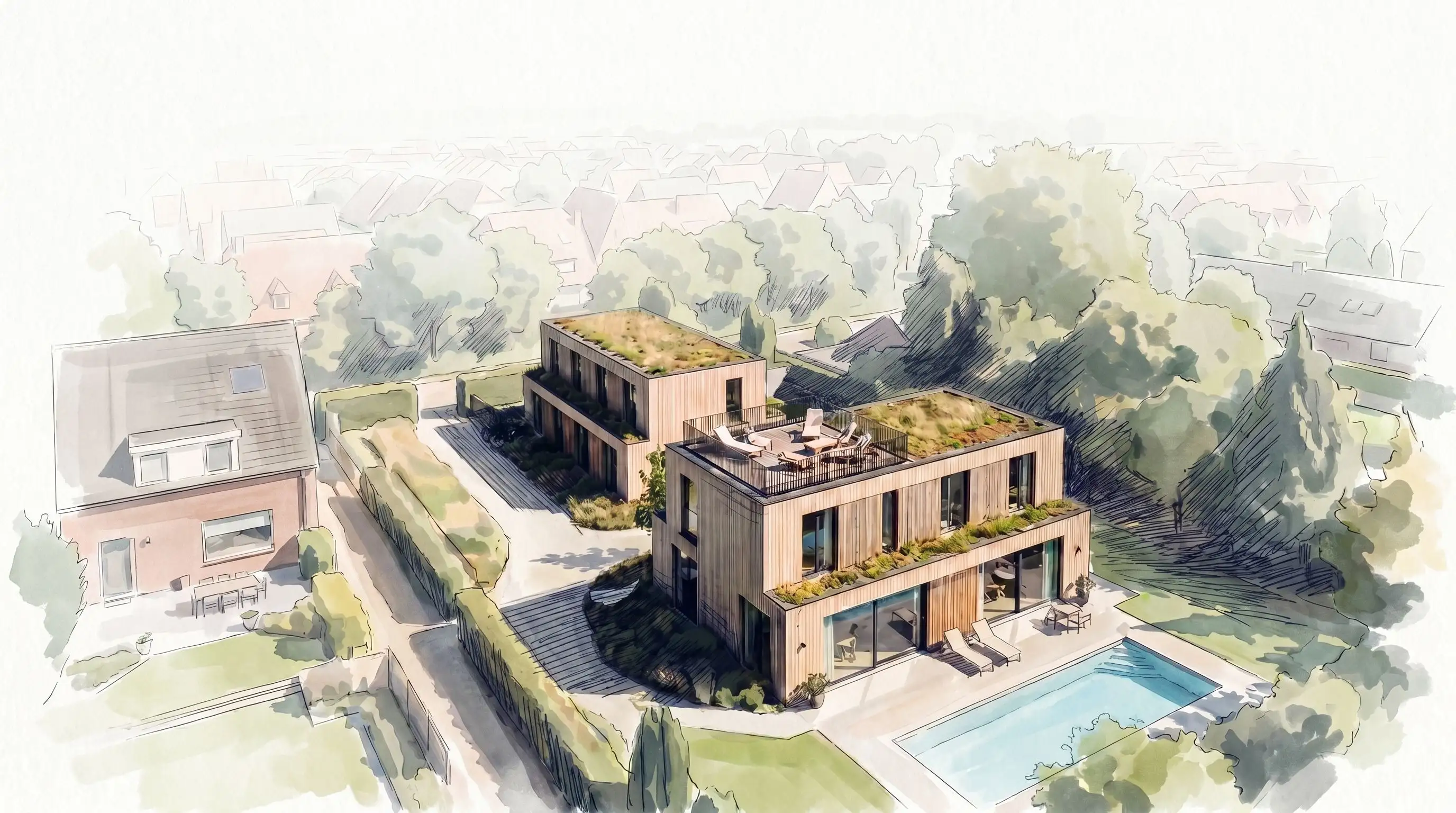
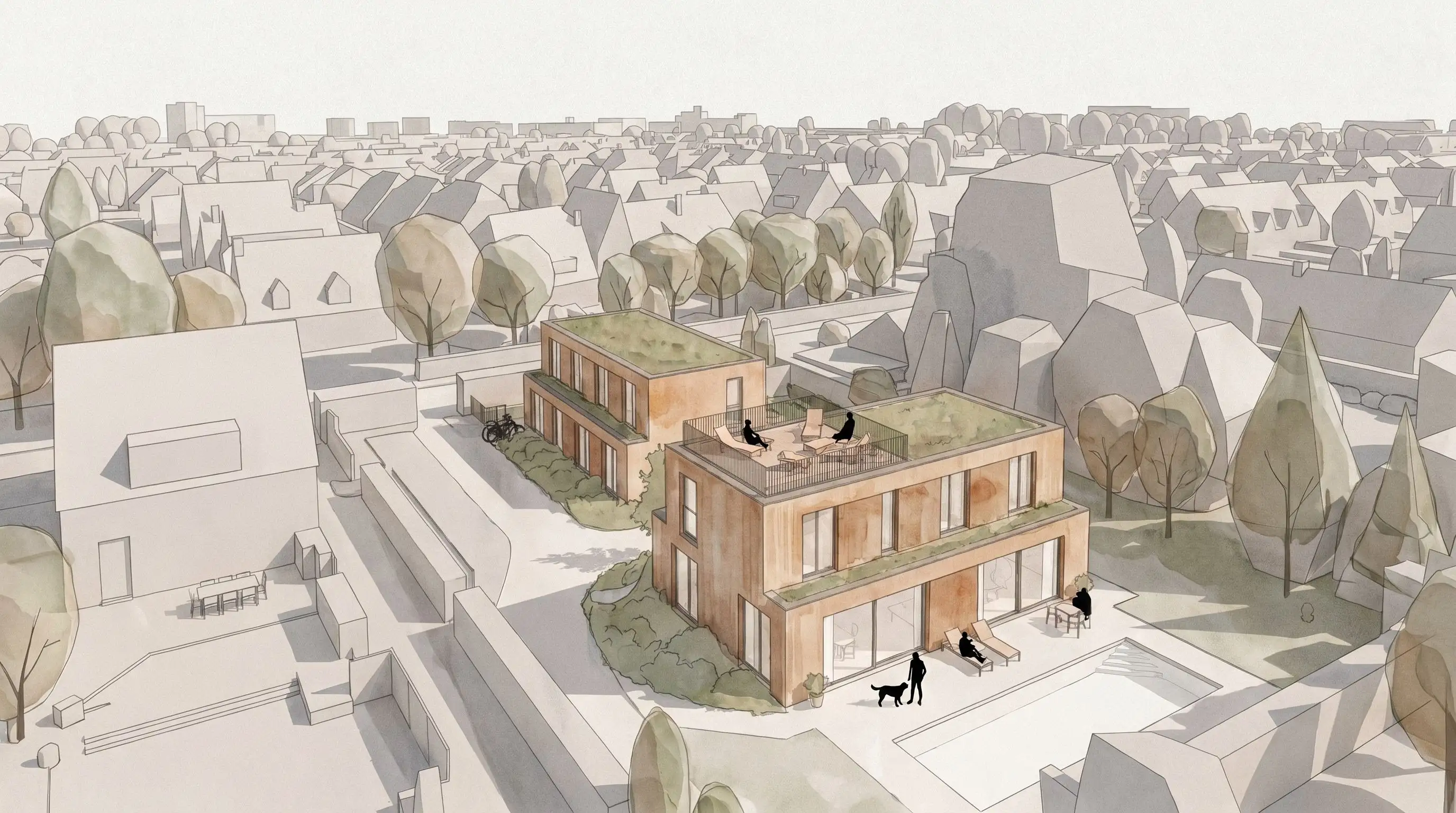
You already have the property potential and early scenario logic. Add the dedicated visual layer: real context, controlled perspectives, detailed edits and presentation-ready images.
Visualize your syte scenario