
Urbanistic
Create and compare feasibility variants for the site.
Early feasibility work often happens when project risk, budget pressure and decision speed matter most. Urbanistic helps you develop and compare planning variants. Pelicad turns those variants into controlled visual scenarios with real context, multiple perspectives and architectural atmosphere.
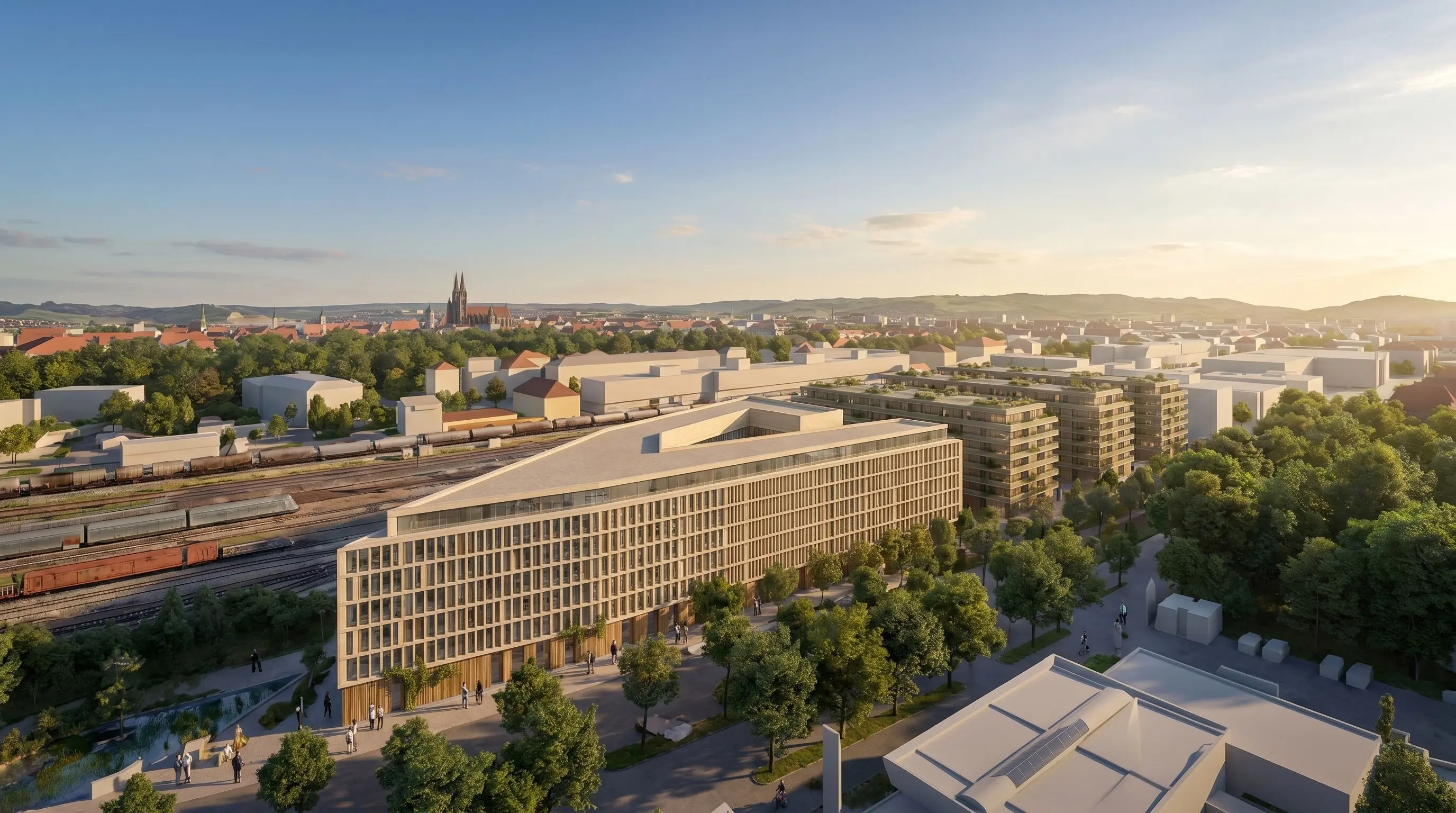
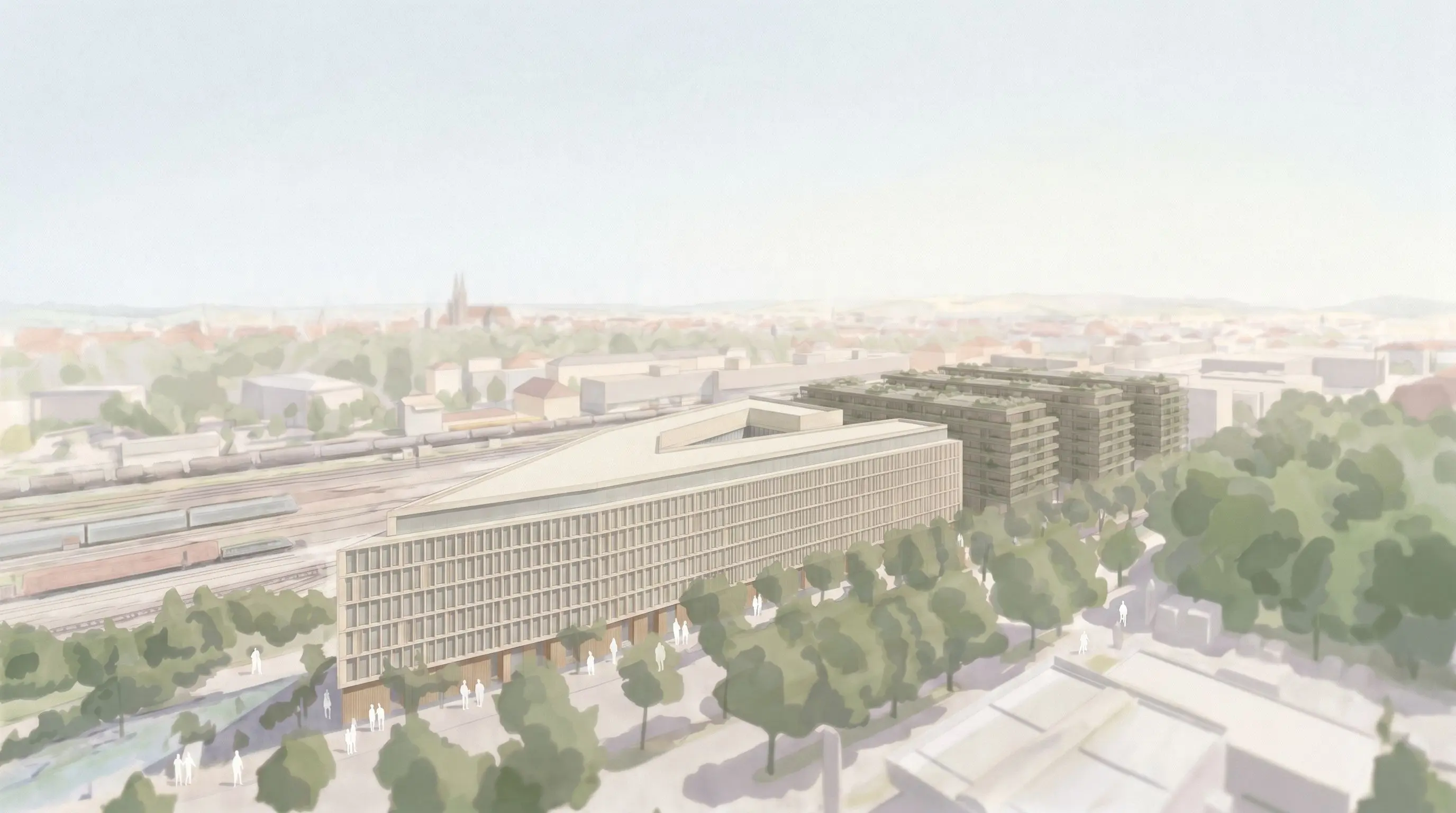
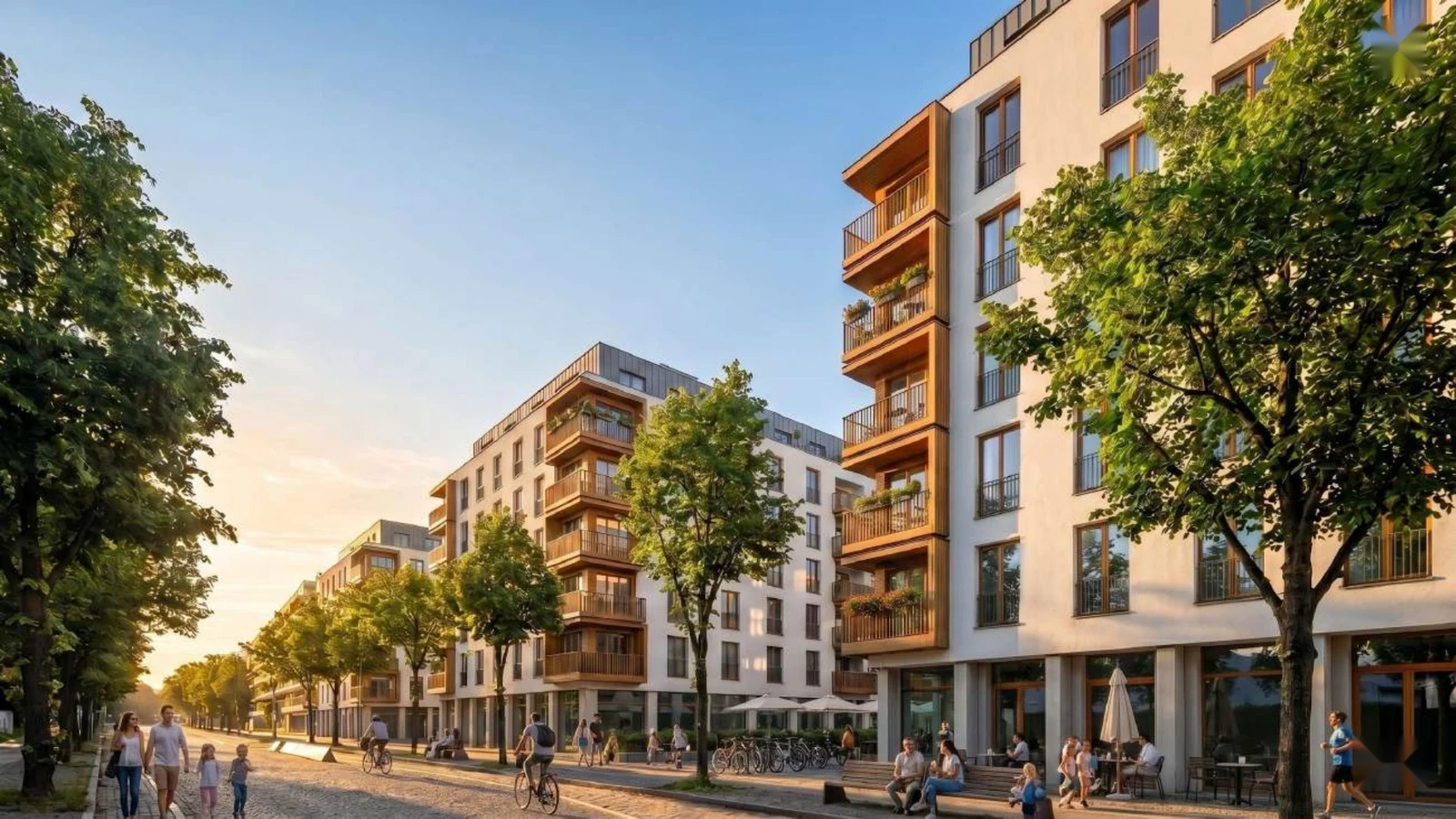
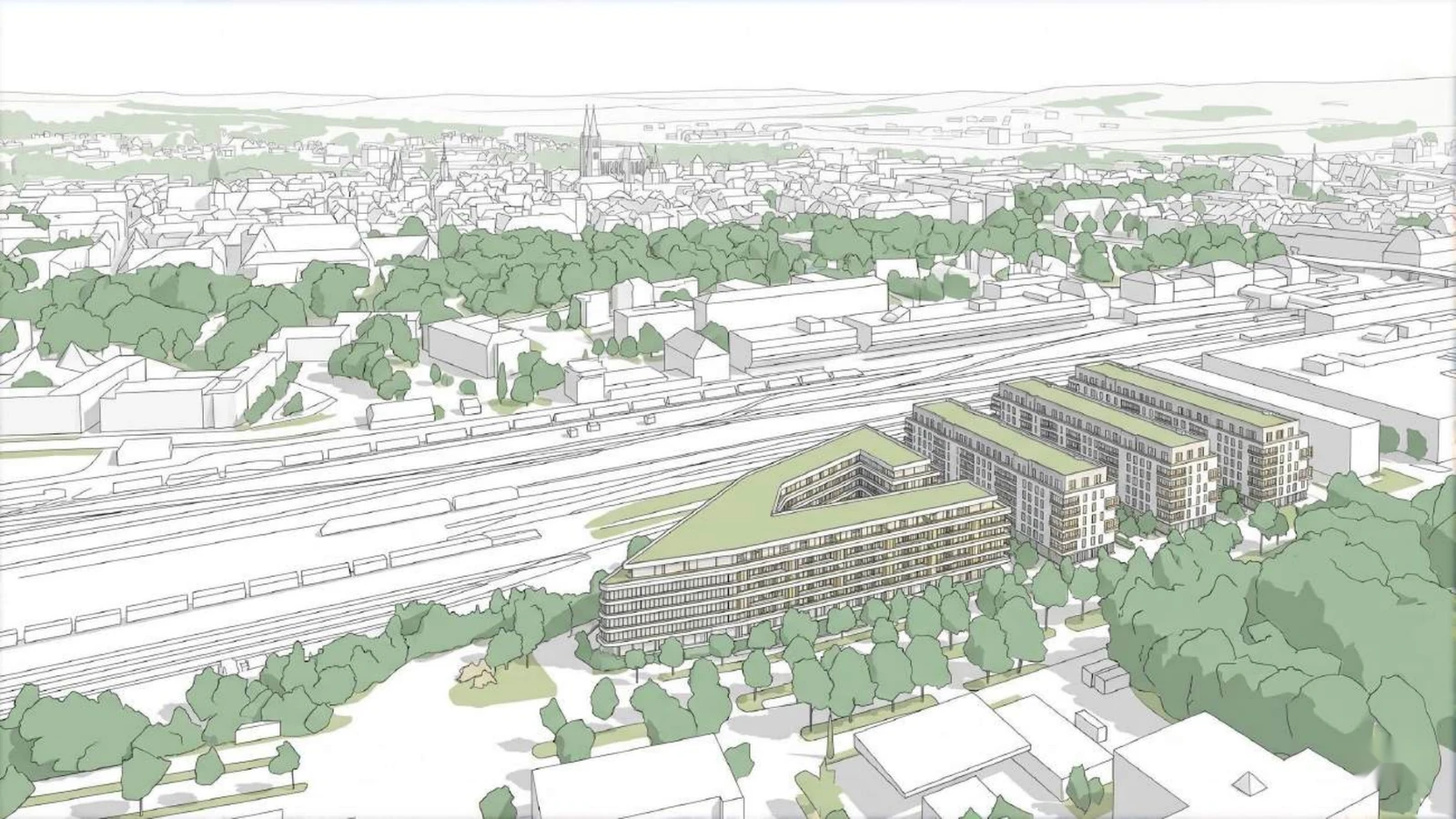
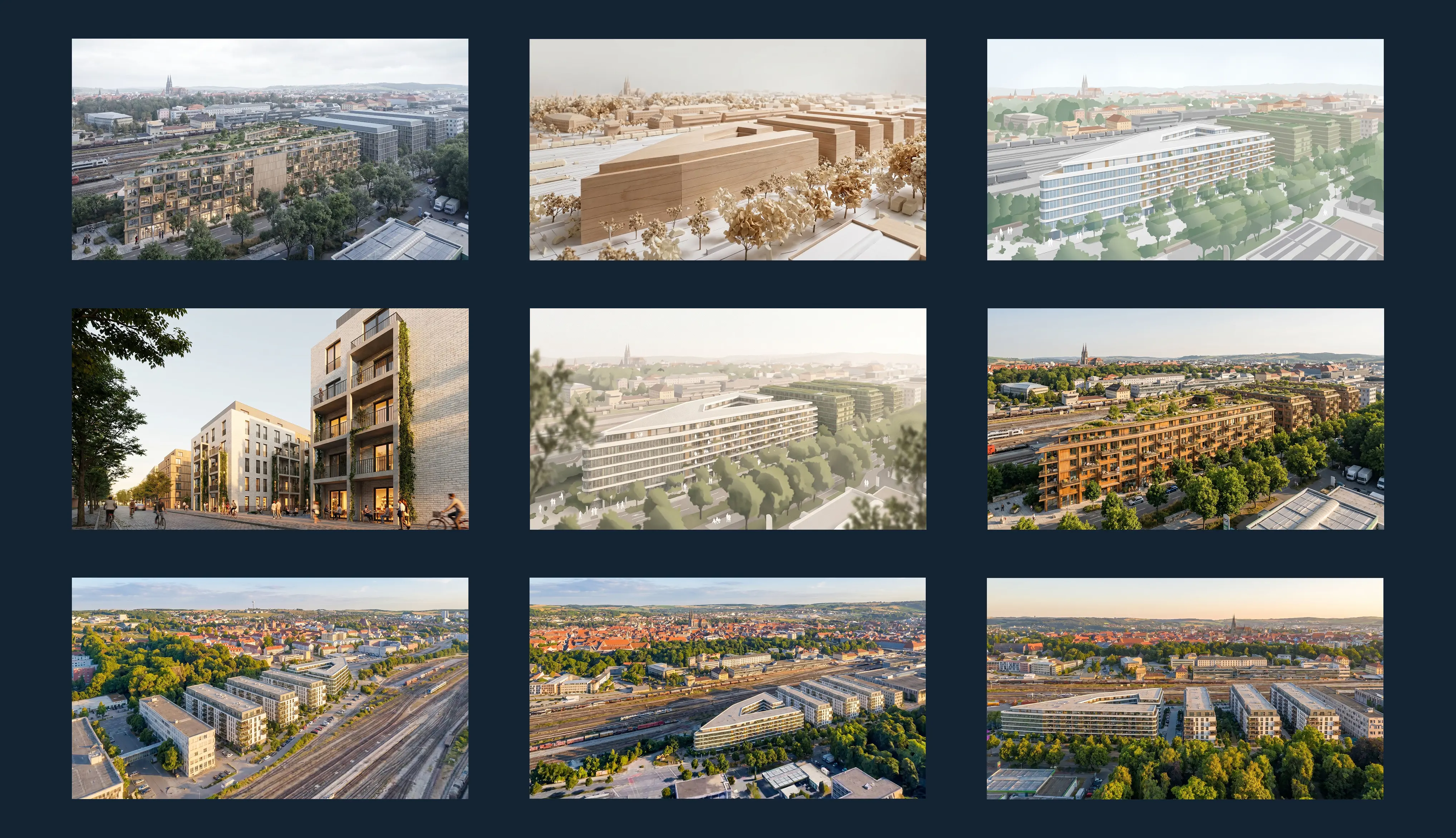
Early feasibility studies are often created in the phase where project risk and decision pressure are highest.
Project developers need to evaluate sites, concepts and variants before expensive planning work starts. Architects need to communicate early design potential before there is time or budget for detailed visualization.
The problem is that KPIs, massing exports and technical models rarely create enough understanding on their own. Investors, municipalities, clients and internal teams need to see what the scenario could become in its actual context.
That is the gap Pelicad closes.
Use Urbanistic to develop and evaluate the feasibility logic. Use Pelicad to turn it into visual communication for acquisition, alignment and project decisions.
Create and compare feasibility variants for the site.
Use the selected Urbanistic model as the controlled planning base.
Place the Urbanistic model in a textured 3D environment and keep the planning base controlled.
Generate visual scenarios, perspectives, facade directions and communication-ready images.
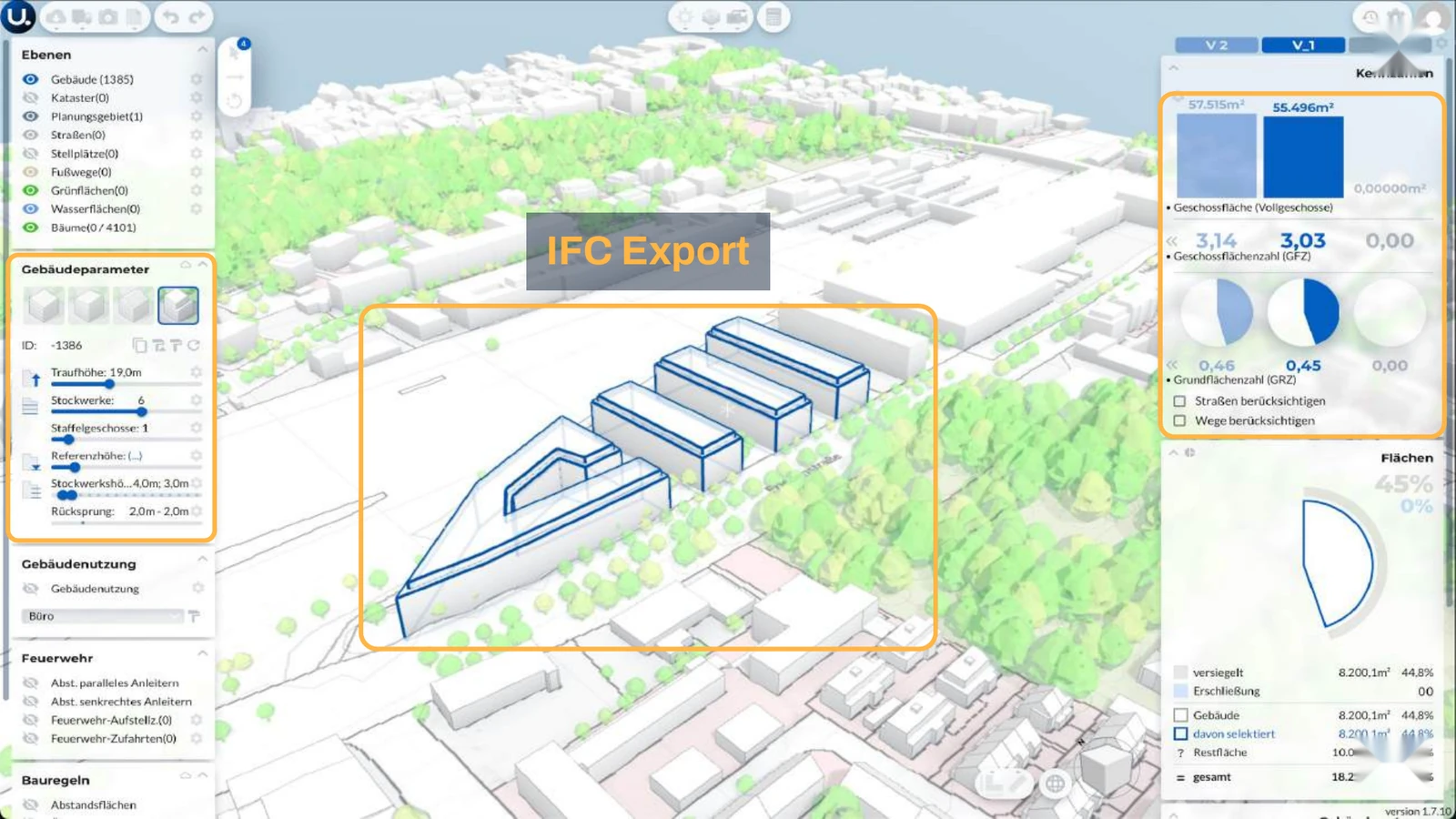
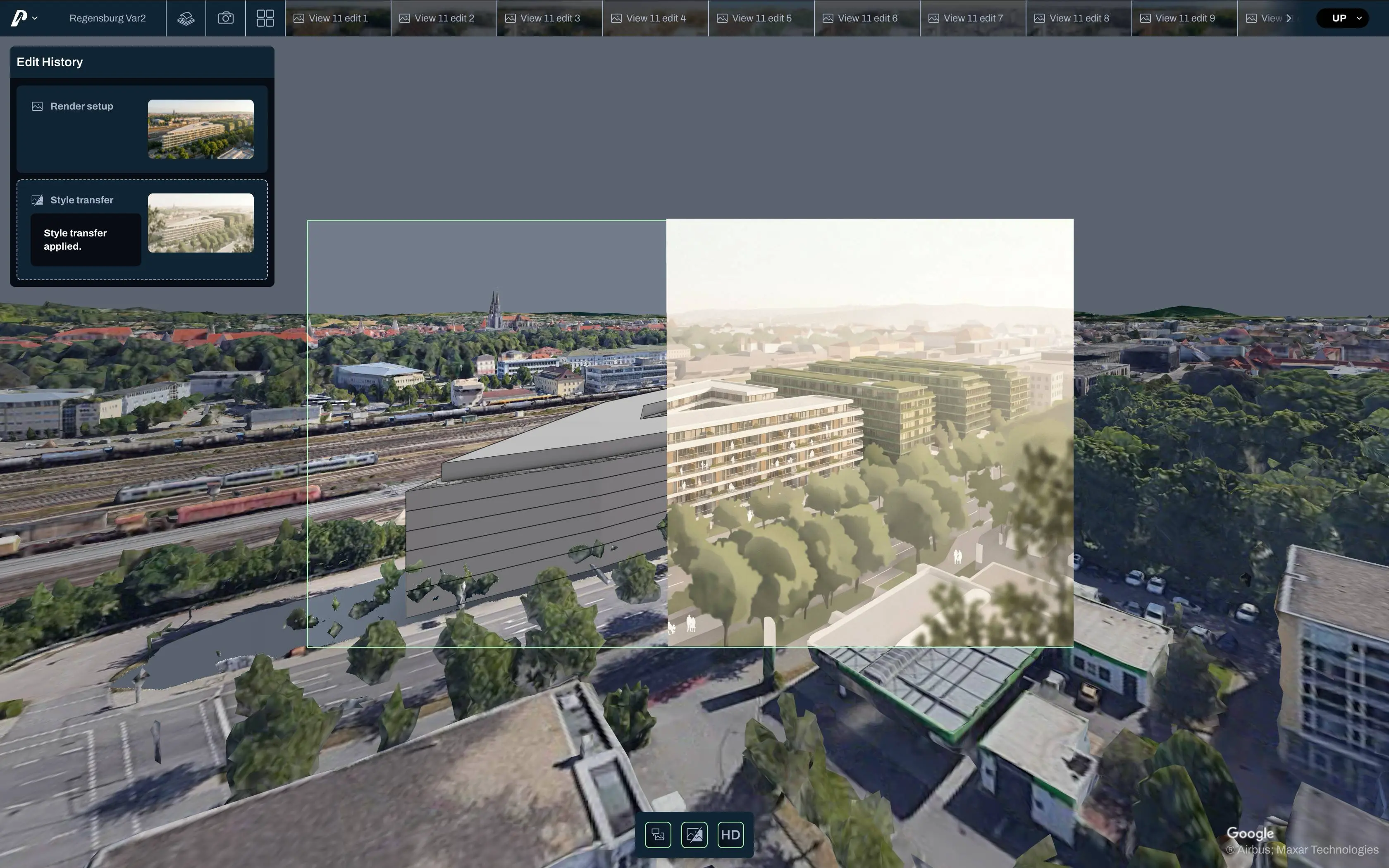
Make feasibility studies easier to evaluate and communicate under decision pressure.
Use Pelicad to turn Urbanistic variants into visual scenarios earlier, with real surroundings, multiple views and a clearer story for investors, municipalities and internal decision-makers. This helps you compare alternatives, reduce uncertainty and communicate development potential before detailed planning begins.
Turn early planning stages into convincing acquisition material.
In acquisition, early designs often need to look understandable before there is time for detailed visualization. Pelicad helps you turn feasibility models into controlled visuals with context, atmosphere and multiple perspectives, without spending days on manual rendering.
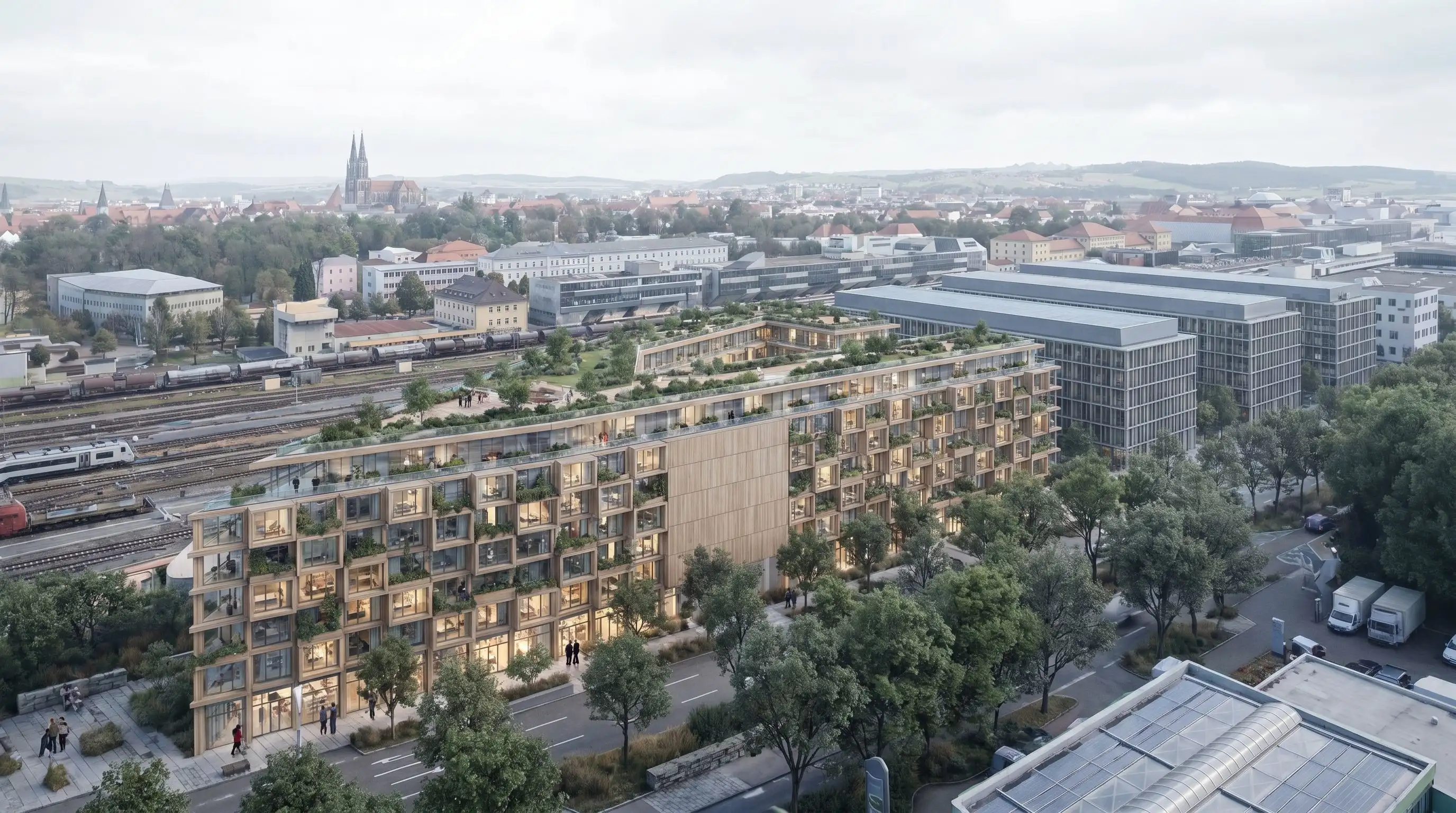
The goal was to develop and communicate planning variants for a mixed-use project with housing, social housing, commercial use and local retail under high time pressure.
Urbanistic supported the concept development and feasibility logic. Pelicad turned the planning scenario into controlled visuals in context, making the variants presentation-ready in one day.
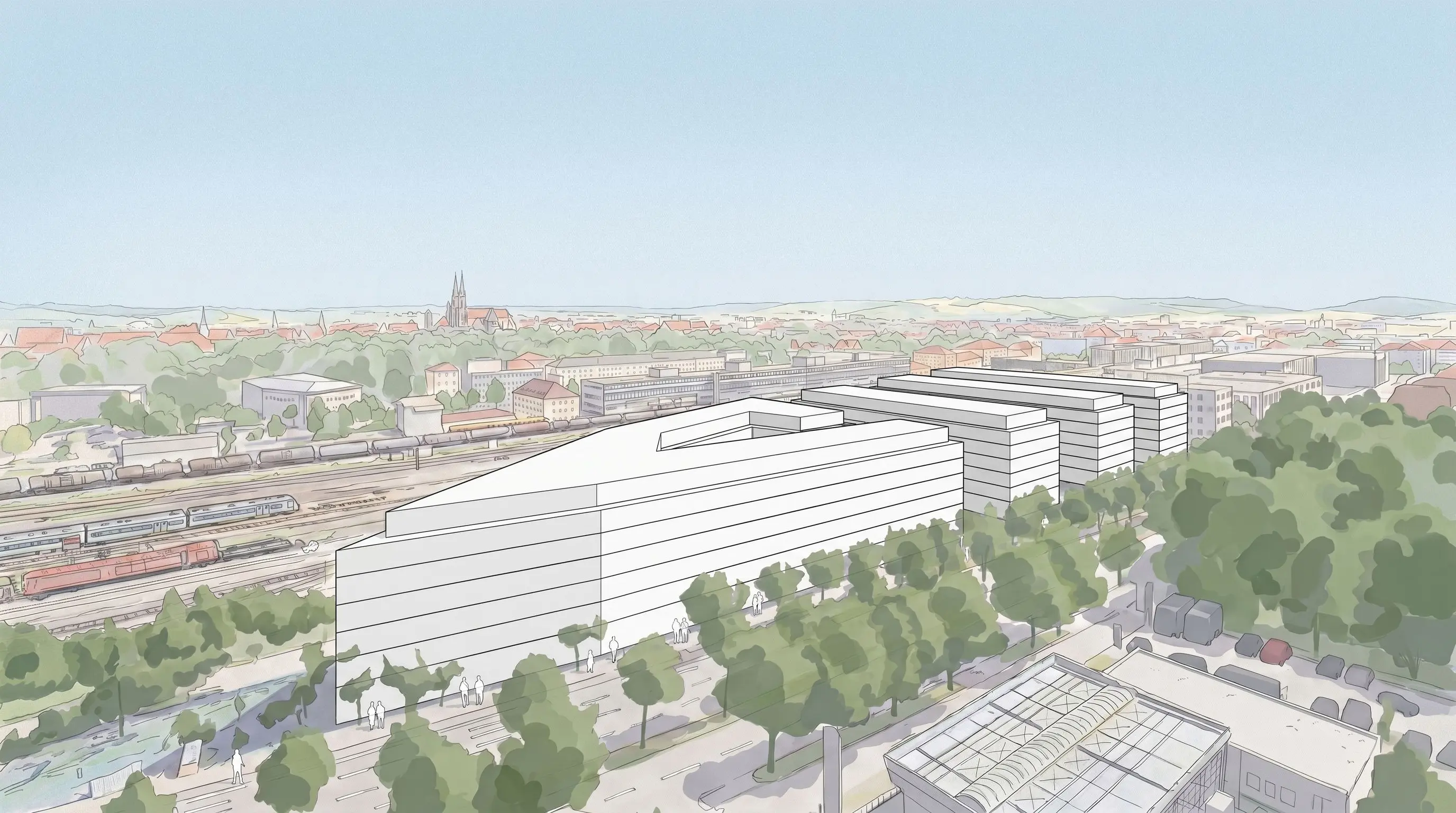
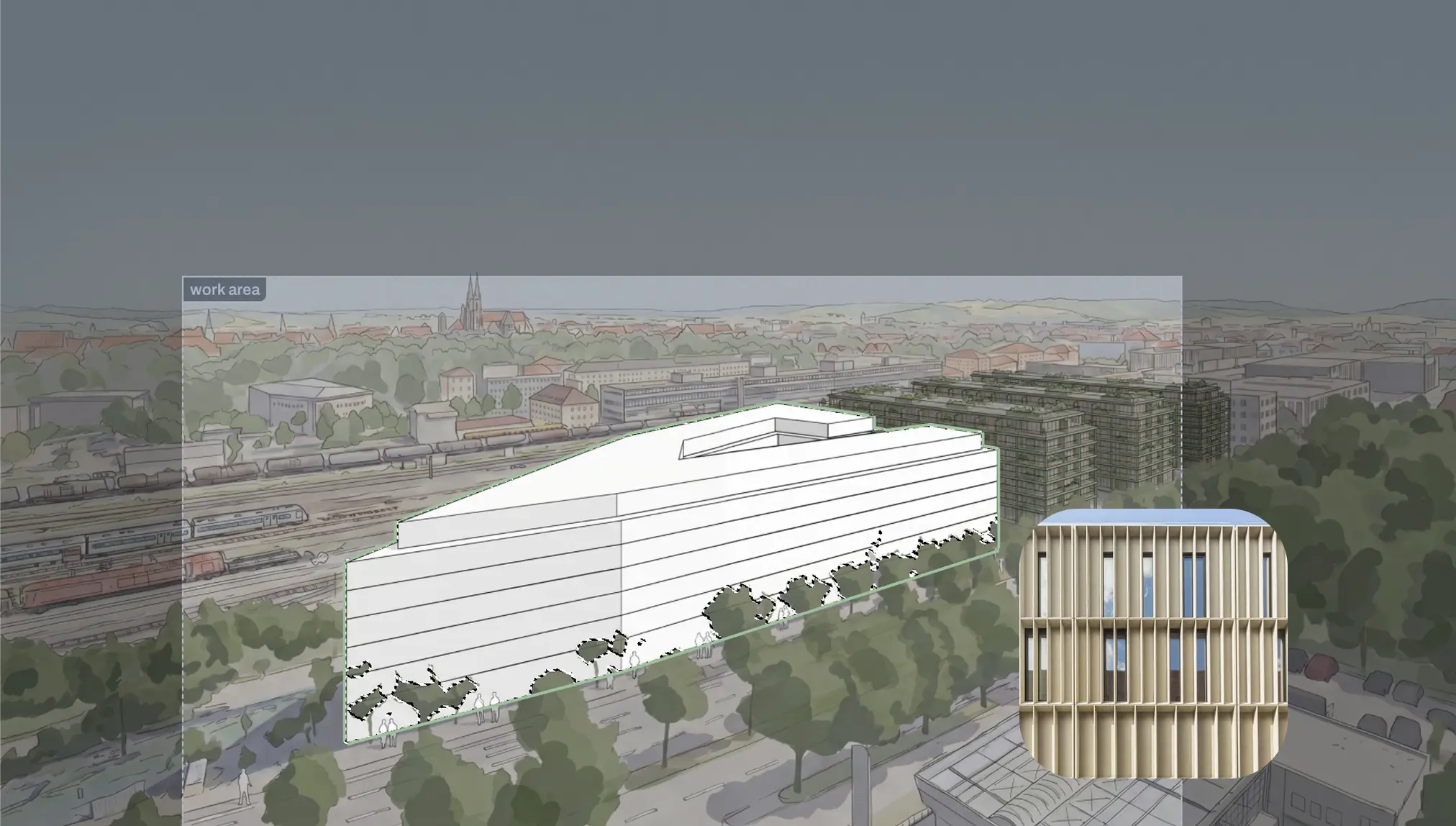
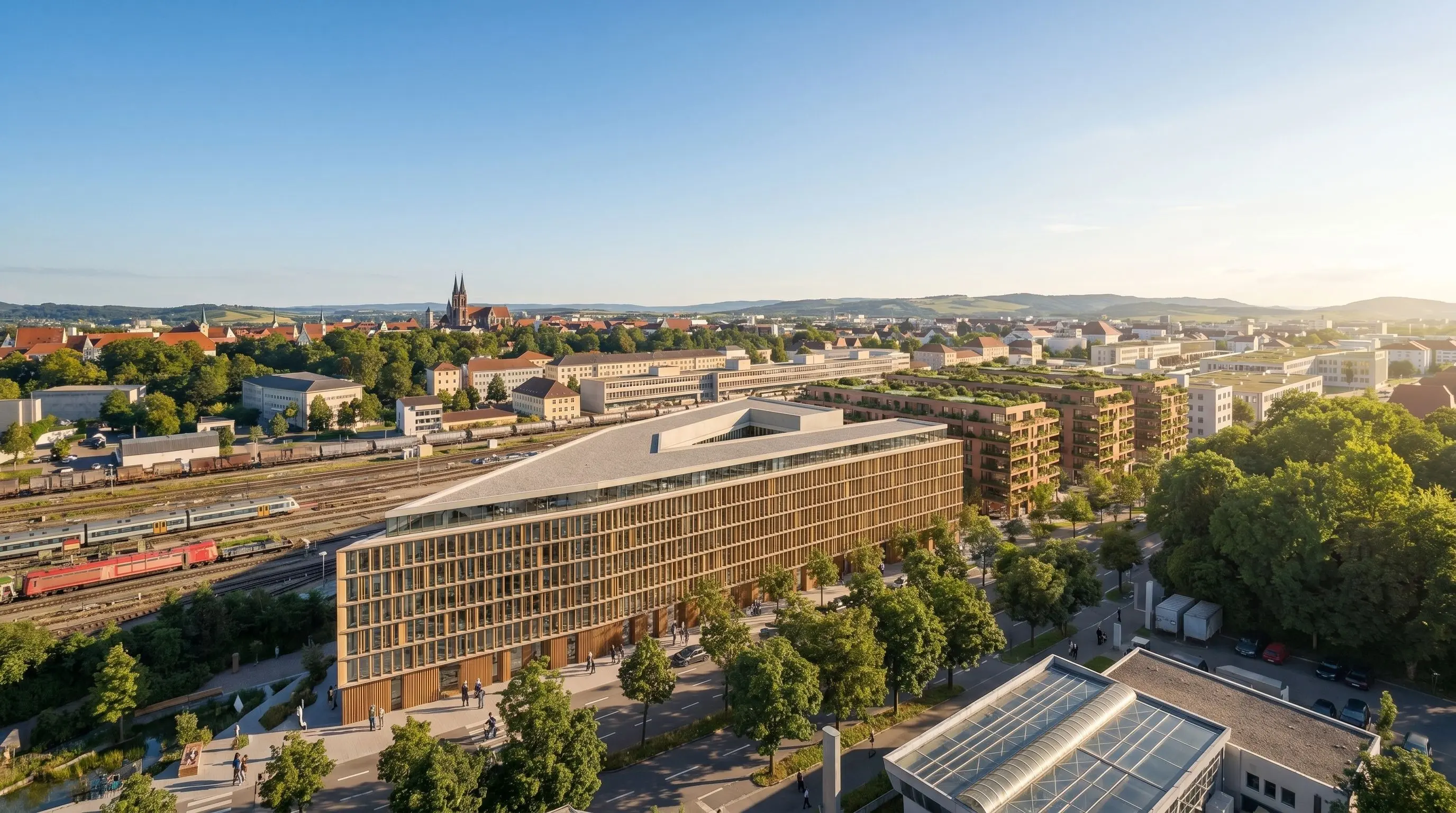
Feasibility communication is not one static image. The project changes. The audience changes. The decision context changes.
Because the project sits in a 3D scene, you can create several views from the same controlled planning base.
When the Urbanistic variant changes, update the model state in Pelicad and keep visual communication aligned with the current planning version.
Pelicad adds the surrounding context, so the project is shown as a scenario in its real urban setting.
Generic AI tools can create impressive images. But feasibility studies need the right massing, the right context and the ability to control what changes and what stays fixed.
You also need to create several perspectives from the same project state and update the visual communication when the planning version changes.
Pelicad keeps the Urbanistic planning model, textured 3D environment and AI visualization connected. That is why it fits the Urbanistic workflow.
Use the planning model from your Urbanistic workflow.
Place it in a textured 3D environment for site-specific communication.
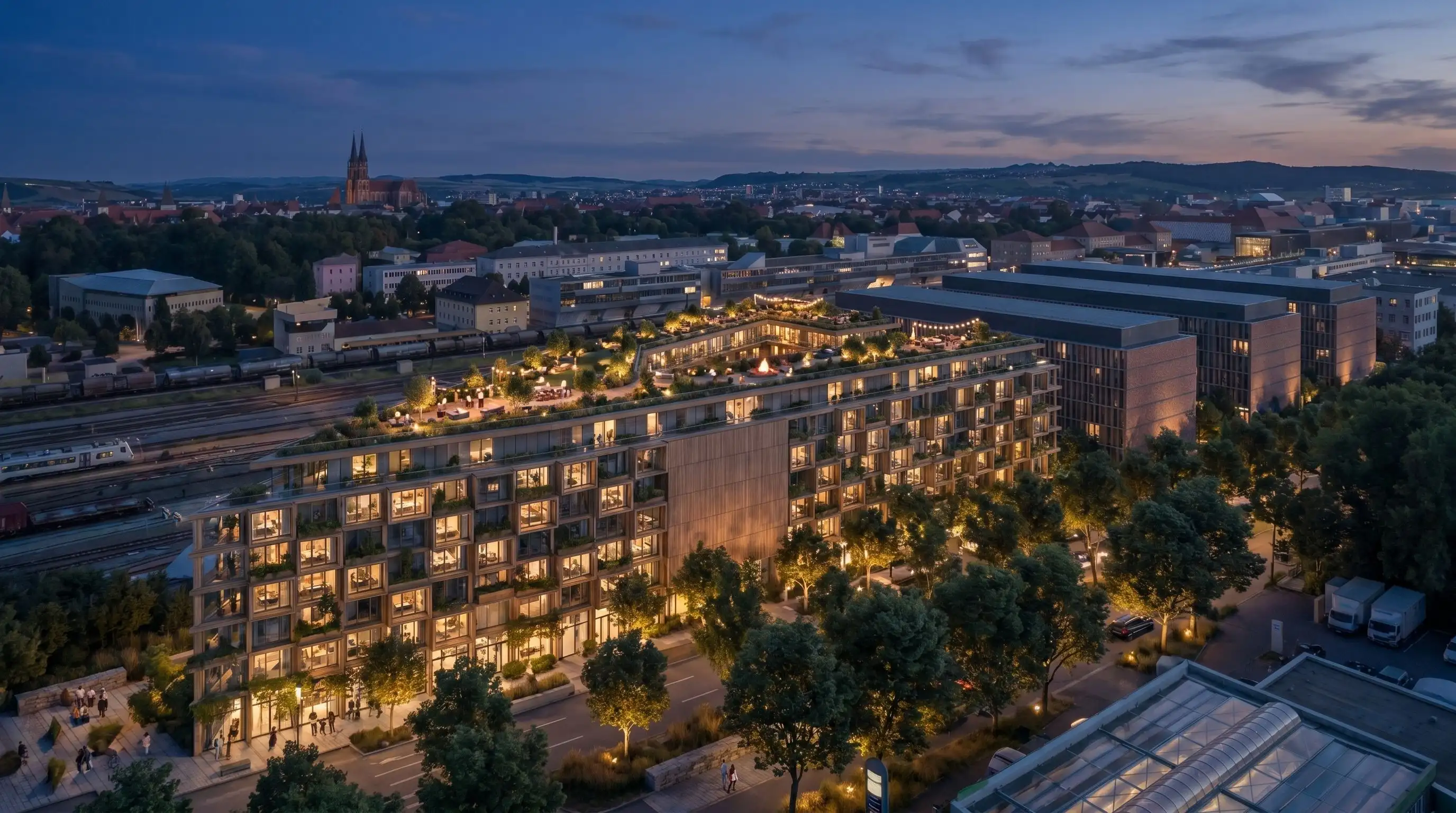
Test facade directions, materials, atmosphere, use scenarios and multiple perspectives.
Keep visual communication aligned when the planning state changes.
Turn feasibility logic into contextual project visuals, from early site communication to atmospheric perspectives for decisions, acquisition and presentations.
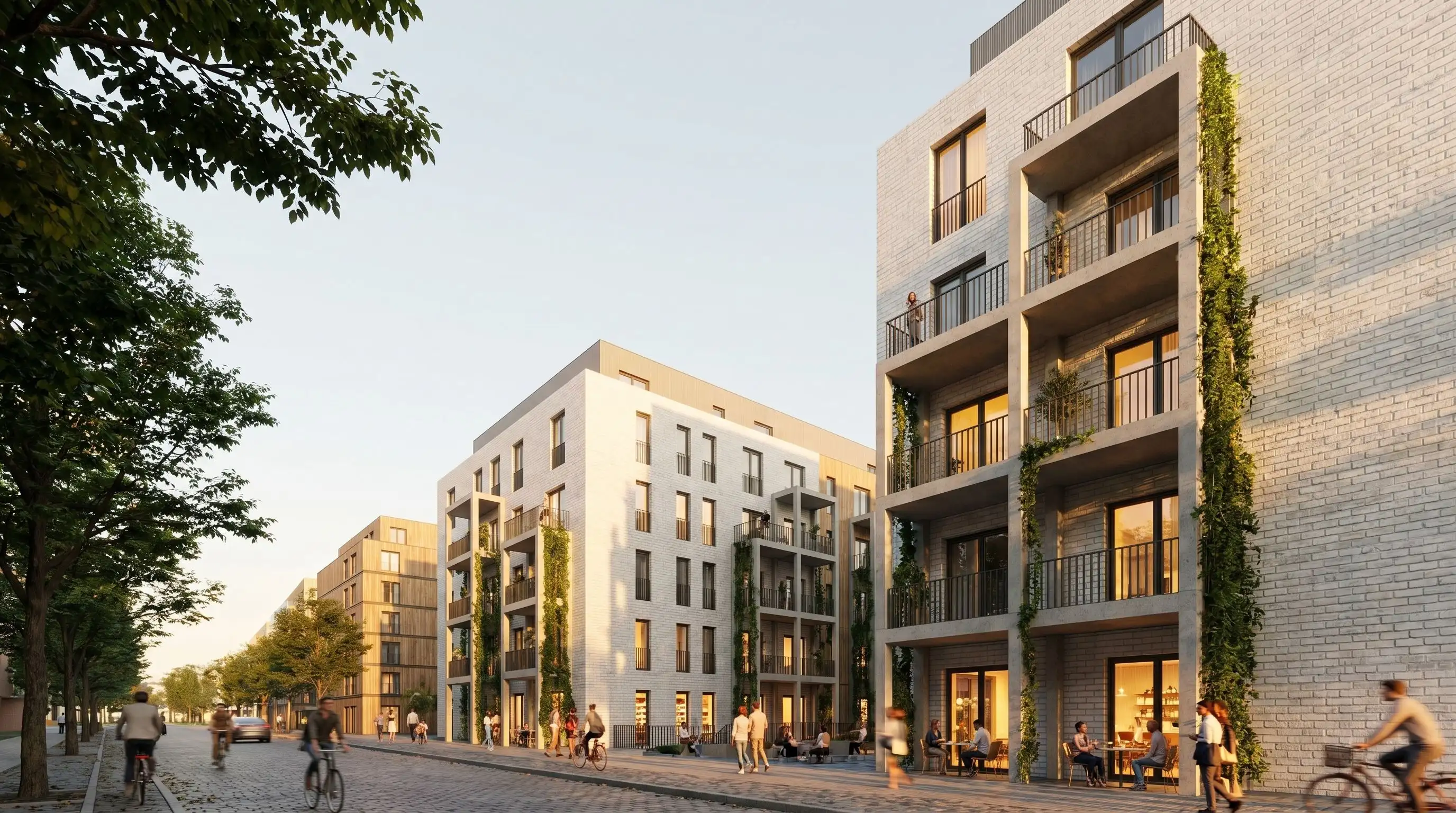
Bring a current Urbanistic feasibility model into Pelicad, add the real context and create visual scenarios your audience can decide on.
Test your Urbanistic model