How to Pelicad: Start a new project
In this short Pelicad tutorial we show you how to start a new project and import data.
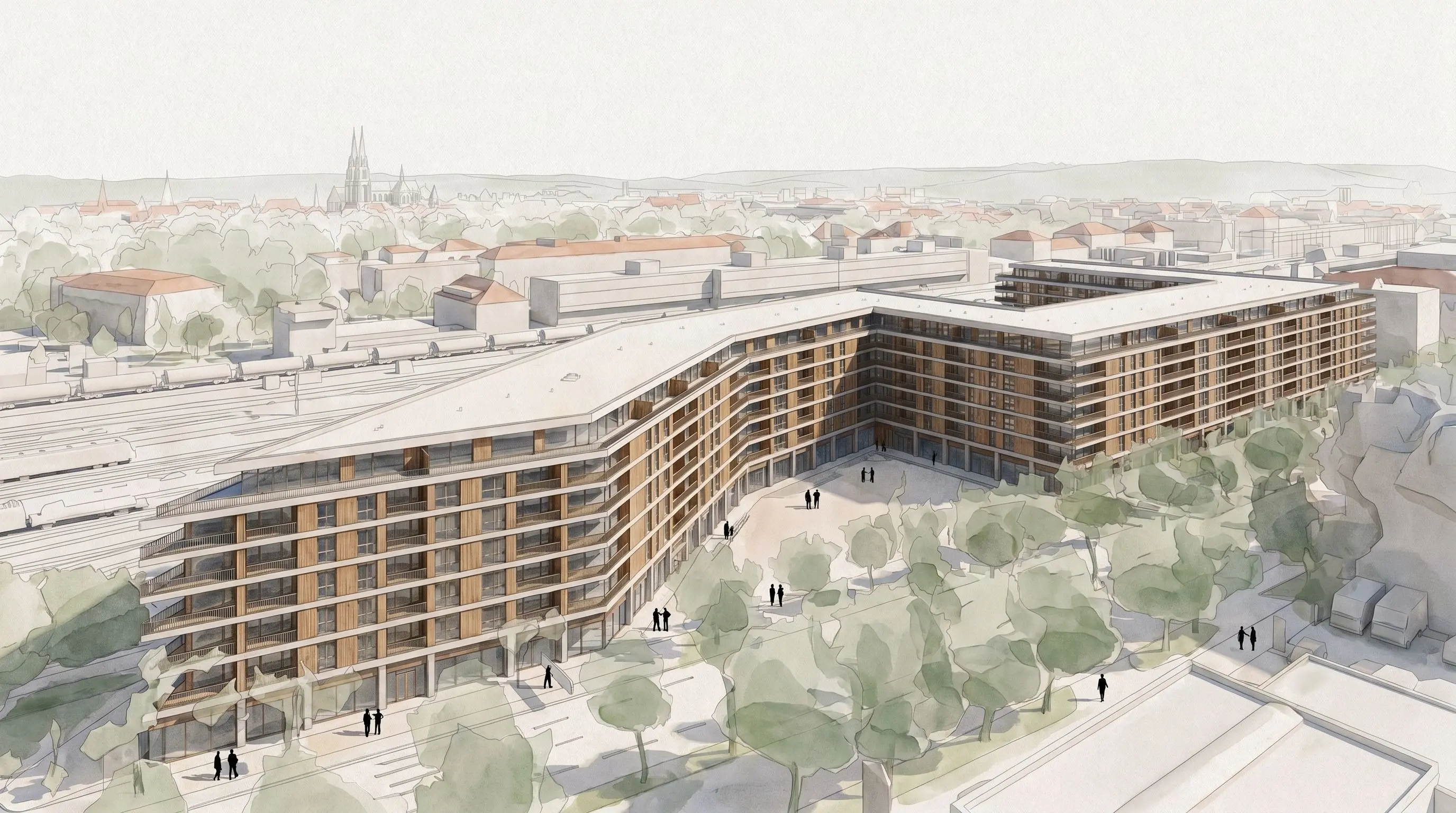
Kurze Produkt-Tutorials für den Kernworkflow: Projektsetup, Umgebung, Ansichten, Renderings, Details, Stile und Verlauf.
In this short Pelicad tutorial we show you how to start a new project and import data.
In this short Pelicad tutorial we show you how to enable and integrate your model in the 3D textured environment.
In this short Pelicad tutorial we show you how to create a first camera view and control its accurate position.
In this short Pelicad tutorial we show you how to create your first rendering.
In this short Pelicad tutorial we show you different modes of interacting with your 3D models to select specific elements.
In this short Pelicad tutorial we show you how you edit details step by step.
In this short Pelicad tutorial we show you how to apply different styles to your renderings.
In this short Pelicad tutorial we show you how you easily transfer results from one perspectives to another.
In this short Pelicad tutorial we show you how you can navigate the history and edit specific steps.
In this short Pelicad tutorial we show you how to cut out specific elements of the 3D textured environment.
In this short Pelicad tutorial we show you how to navigate the dashboard.