
Credits in Pelicad are designed to make AI visualization costs understandable. Instead of hiding usage inside vague limits, Pelicad connects credits to the real cost drivers behind architectural AI workflows: generated images, model processing and textured environment data.
For architects and project teams, the basic rule is simple:
One successfully generated image costs one credit.
Everything else builds from there.
The credit basics
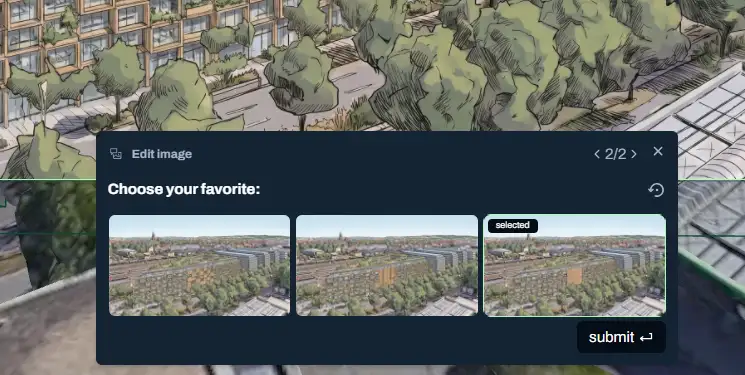
Most Pelicad workflows start with a simple image generation step. You choose a model view, describe the visual direction and Pelicad creates image options.
In a normal iteration, Pelicad generates three image options. Since each generated image costs one credit, this step usually costs three credits.
/assets/images/pelicad-credit-system-blog/3options.webpThe fixed credit costs
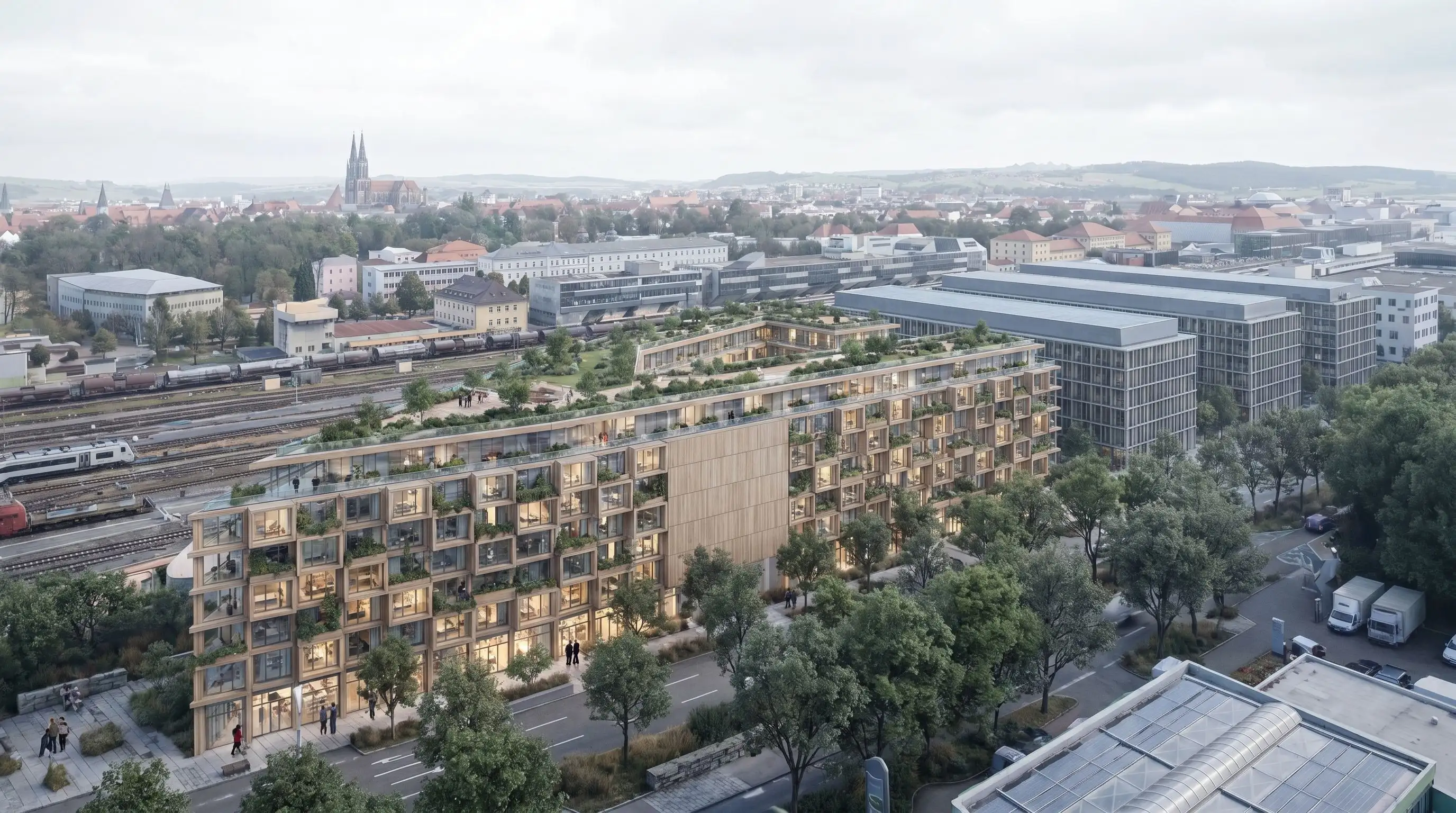
Some actions are not image generations, but they still create processing, data or licensing costs. That is why model uploads and textured environment data also use credits.

Why some generation steps cost more
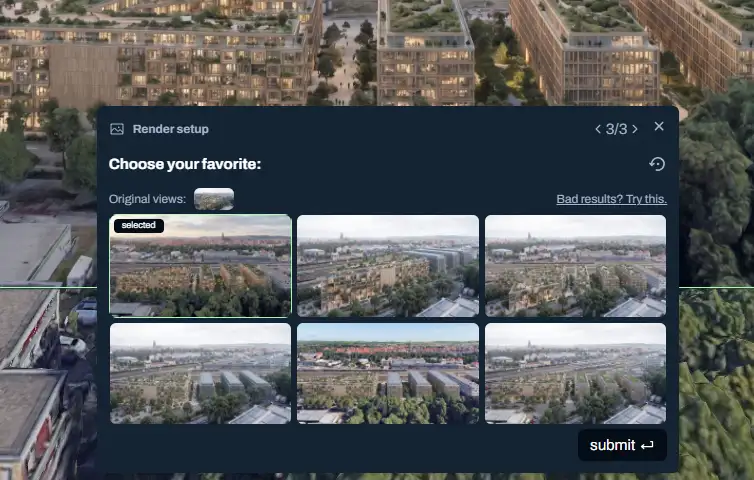
Not every Pelicad operation creates the same number of images. A normal iteration creates three image options, but some workflows need a larger generation process.
| Operation type | Typical output | Typical credit cost | Why |
|---|---|---|---|
| Normal iteration | 3 images | 3 credits | One credit per generated image |
| Style transfer operation | 3 shown results with a multi-step process | 6 credits | Each final result can require more than one generated image |
| Perspective change operation | 6 shown images | 6-12 credits | The operation creates more image options for the user and in some cases needs a double step |
| Upscale | 1 higher-resolution result | 3 credits | Higher-resolution processing uses more compute |
So when you see a generation step that costs more than three credits, it means that Pelicad is creating more images, running a multi-step process or producing a higher-resolution result.
/assets/images/pelicad-credit-system-blog/6options.webpWhat happens when a generation fails
AI generation is powerful, but it is not perfect. Sometimes a step should return three images, but only one or two images are successfully created.
When that happens, the missing image credits are not deducted from your plan. You are charged for successful output, not for an incomplete result.
Why Pelicad uses a credit system
Pelicad uses credits because the system connects your usage to the real cost drivers.
AI image generation costs money because it uses compute. Model handling and textured environment data cost money because they involve data processing and licensing. Credits make these costs visible instead of hiding them behind unclear usage limits.


Short takeaway
- One generated image costs 1 credit.
- A normal iteration usually creates three images and costs 3 credits.
- Model uploads cost 3 credits.
- Textured 3D environment data for one location costs 15 credits.
- Upscaling costs 3 credits.
- More complex AI steps can cost 6 to 12 credits because they require more generated images or a multi-step process.
- If a generation produces fewer successful results than expected, the missing credits are not deducted or are refunded.
Pelicad credits are simple: you pay for the image generation, model processing and environment data that create value in your project.