From CAD file to photorealistic render
Pelicad removes the complexity between your design and a stunning visualization. No rendering expertise. No external service providers. Just your model, your site, and your vision.
Upload your model
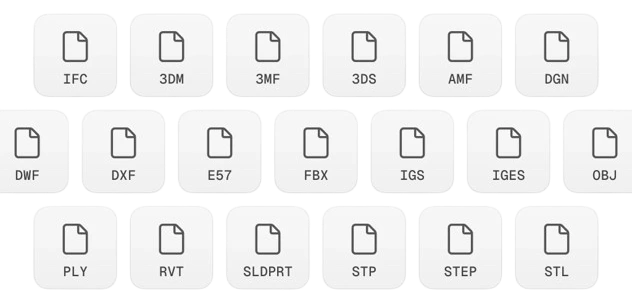
Start with what you already have. Upload a rough feasibility study or a detailed CAD or BIM model directly from your planning software. Pelicad accepts most architecture files like IFC, rvt, skp, 3dm and dwg and integrates with Speckle so you can push updates via plugins in seconds without re-exporting.
Add the textured site model
Choose the address in Google Maps and fine-tune the position of your model on the actual site. Pelicad replicates every single detail of the surrounding environment, from neighboring buildings to street-level context, directly from map data. No site modeling on your end.
Adjust your project precisely
Change individual areas of your project directly based on the 3D model. Define materials, colors, facades, windows, balconies or technical details and develop different design variants without preparing the model again.
Create the right atmosphere
Choose the desired mood for your project and let Pelicad stage the scene automatically. People, vehicles, vegetation, light and usage scenarios are added appropriately without you having to place individual elements manually.
From raw site to finished vision
Deploy from any software you use
Pelicad connects to your existing workflow through Speckle, the open-source data platform for AEC. Access Pelicad as a simple plugin from all major planning applications and push model changes in seconds.
Pelicad grows with your project
Whether you are in early feasibility or final client presentation, Pelicad adapts to your level of model detail.
Feasibility studies
Generate functional design visuals that follow your design parameters without extra modeling. Communicate early ideas to clients and city planners before investing in detailed 3D work.
"I remember trying to rebuild this manually in Unity and ended up failing. It's incredible how easy Pelicad makes this."

Detailed models
Turn your fully developed model into high-end renderings in less than an hour without any rendering expertise. Skip external visualization studios and deliver results yourself.
"We were able to show our customers the new vision in less than two hours. A job that usually takes us days due to modeling or external services."